In this short tutorial I’m going to show you two quick ways to spin up a testing site using ZipWP. ZipWP is an online service that allows you to create WordPress sites quickly. It includes a number of AI features for populating content, but in this tutorial I just want to focus on how easy it is to create a testing site.
Video Version
First Way to Create A Testing Site With ZipWP – Clean Site
The first one is, go to your address bar in your web browser and type in the URL “try.new.” Try.new, hit enter. And what happens is that you get a ZipWP website spun up almost instantly. It is a blank / clean install. It was really fast to create. You can use it for testing however you want. So that’s pretty cool.

Second Way to Create A Testing Site With ZipWP – For Automatically Installing a Plugin or Theme for Testing
The second way you can spin up a quick site with ZipWP is from a plugin or theme page at WordPress.org. Let’s say we’re on the Spectra plugin page. You can just replace the part of the URL, WordPress, with ZipWP.
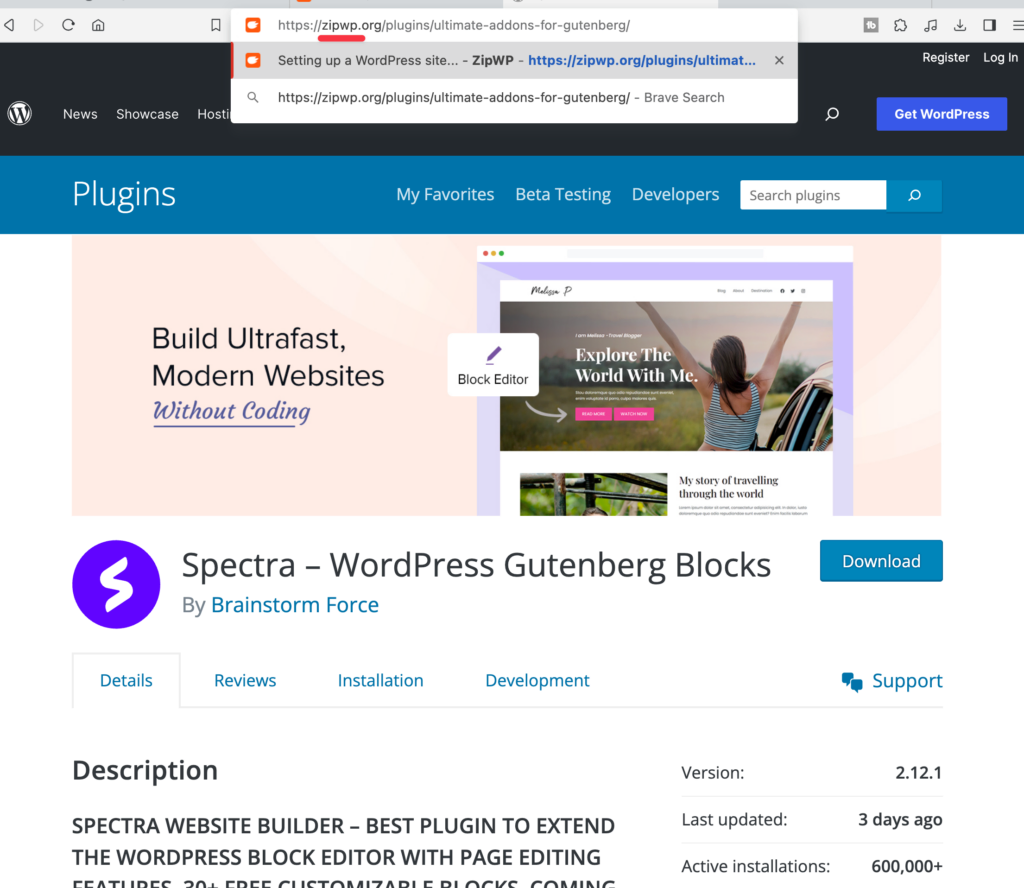
And again, we have a website being spun up for us very quickly. The difference with this one is that we have Spectra installed. That’s the only plugin that’s installed here. So that’s pretty cool if you want to test out a plugin or a theme for WordPress.org. That’s the quick way to do it. Very easy.
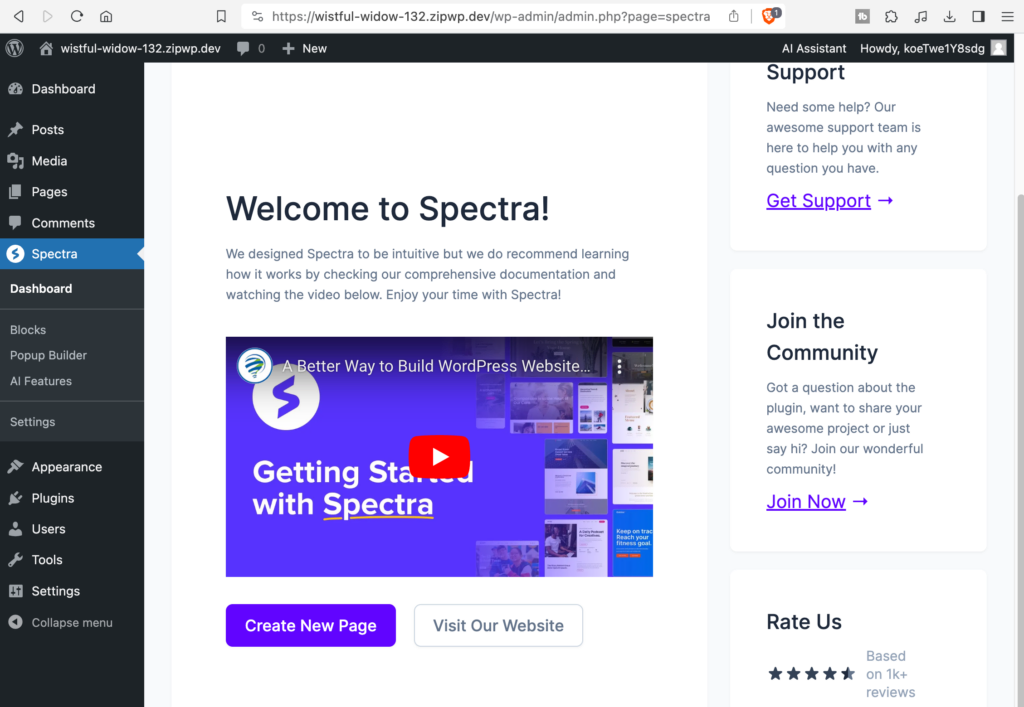
And one nice thing about doing it this way is that you can claim the site if you decide that you want to keep this site. You can claim the site. You can go to your Zipwp account. If you don’t have one, you can create one. I do have one, so I’ll just log in. Okay, and here is the site in ZipWP. I can log in with it here.
So two quick ways to get a site perfect for testing or if you know you want to start out with a plugin or theme. Anyway, I thought these were kind of fun new features that they’re adding and I wanted to share them. Hope you found it interesting.