Table of Contents
Revolutionary or evolutionary? ZipWP is changing how WordPress sites are built. It combines AI with the top tier Astra theme, Starter Templates, and Spectra blocks. Can you say “synergy”? You can have an attractive brochure site in a couple of minutes, and you can use it for free. In the video I do a walk-through of the current early version of ZipWP and discuss where I see it in the overall WordPress ecosystem.
Note: Some information in the written version about ZipWP has been updated since the video was released to reflect changes in the platform.
Video Version
Background
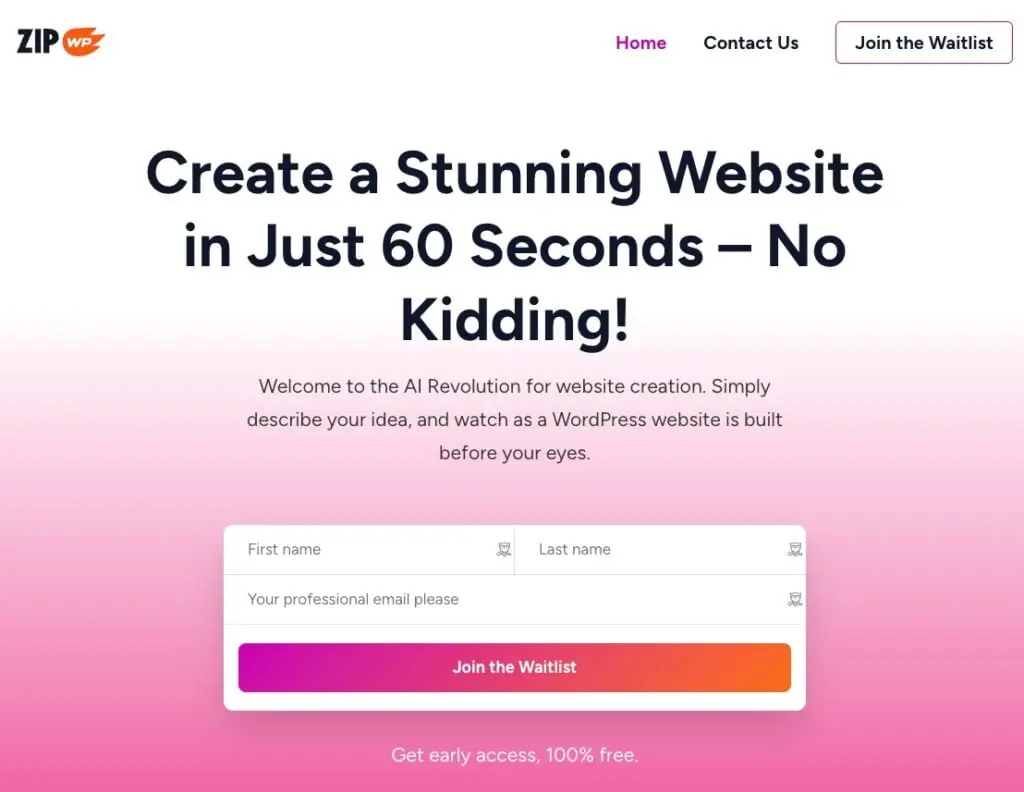
So this is the ZipWP website. You can see that on the home page they have a form to join the waitlist. There’s already more than 25,000 people on the waitlist waiting to get a chance to try this out. A huge number of people, very great interest here.
ZipWP is from the Brainstorm Force development team. This is the team that creates the Astra theme. Astra is the number one WordPress theme with over a million active installs, more than 5,000 five-star reviews, a five-star rating. Okay, Brainstorm Force also makes some Astra Starter templates. And so what this does is it gives you some starter pages for your website. And we see that this also has more than a million active installs. A very popular tool for getting a quick start in building a website. And they also make Spectra, which is a Brainstorm 4 Gutenberg block collection. Has more than 30 Gutenberg blocks. They recently released a pro version. Spectra has more than 500,000 active installs, making it the number one most popular Gutenberg block collection. So what do we see here? We see there’s a theme, we see they have templates, and we see they have block collection. And that, I believe, has formed the basis for their Zipwp website builder. They’ve leveraged the synergy of their ecosystem.
Building Sites
As of this point, you get 3 free sites and 1GB of storage space. By default your site is available for 24 hours, but you can mark it as permanent, so it is not deleted. So let’s go ahead now and do a walkthrough of creating a website. We get a wizard, step-by-step, process.
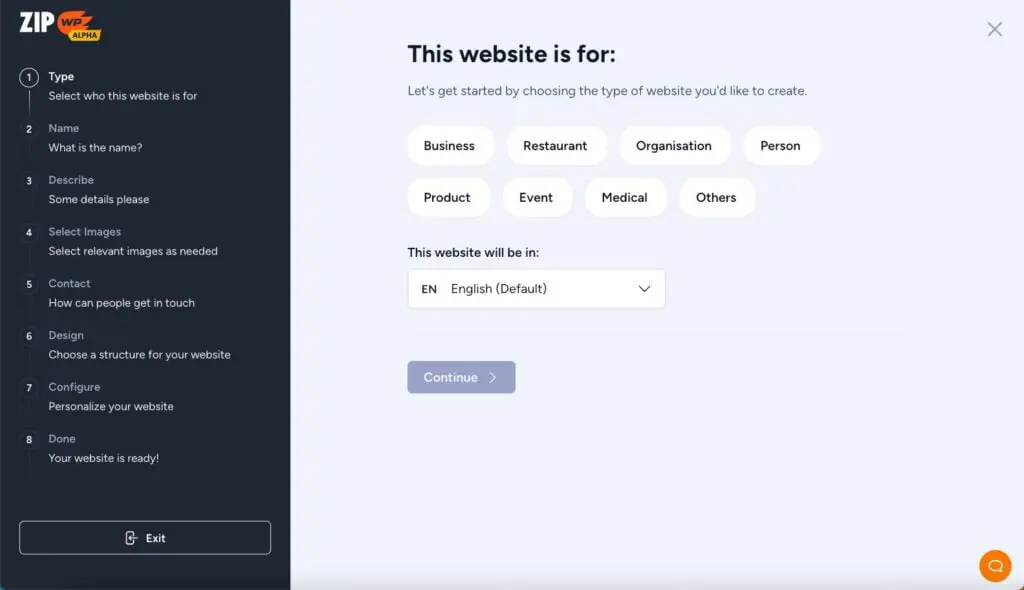
On the first screen, there are categories. Now there aren’t very many categories yet. I think they’re going to be adding a large number of additional categories of types of websites. So what you see when you get access will probably look a little different than this. On this screen you also have a choice of the language. Huge number of languages here. I’m not certain, but I’m guessing it’s all the languages that WordPress is available in.
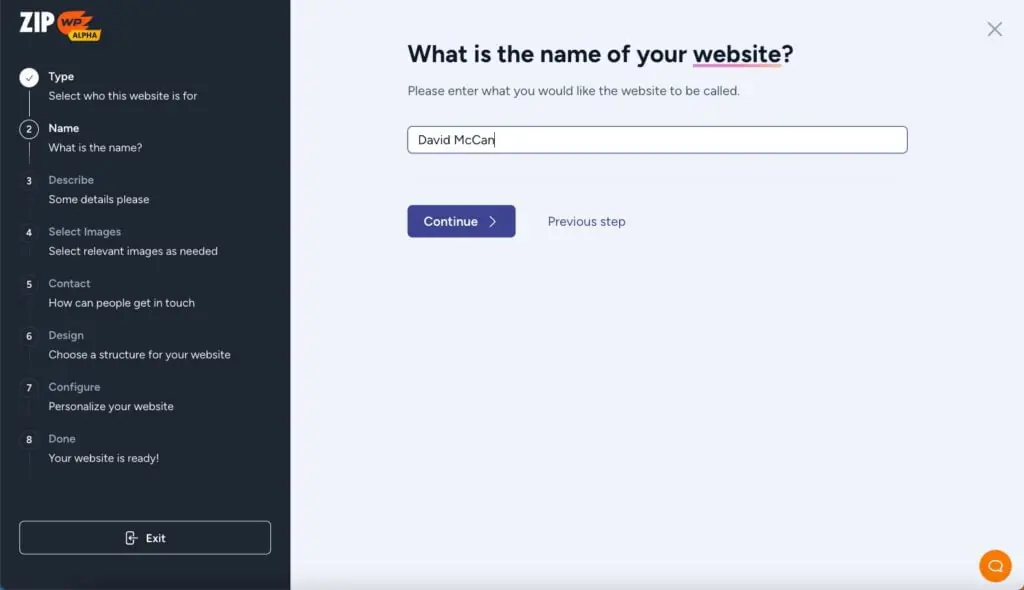
On the next screen you enter the name of your site.
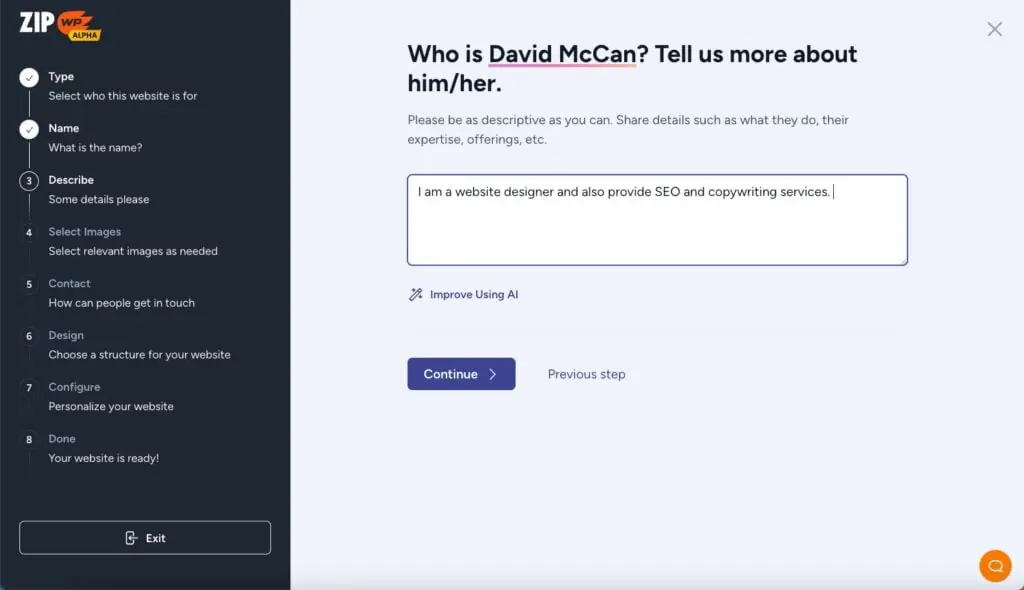
On the next screen you add inputs that the AI will use for images and copy. For the sake of testing, I’m going to pick that this site is for a “person” as its category. I’m going to enter my name and I’ll just put in here I provide Site Design, SEO and copywriting services.
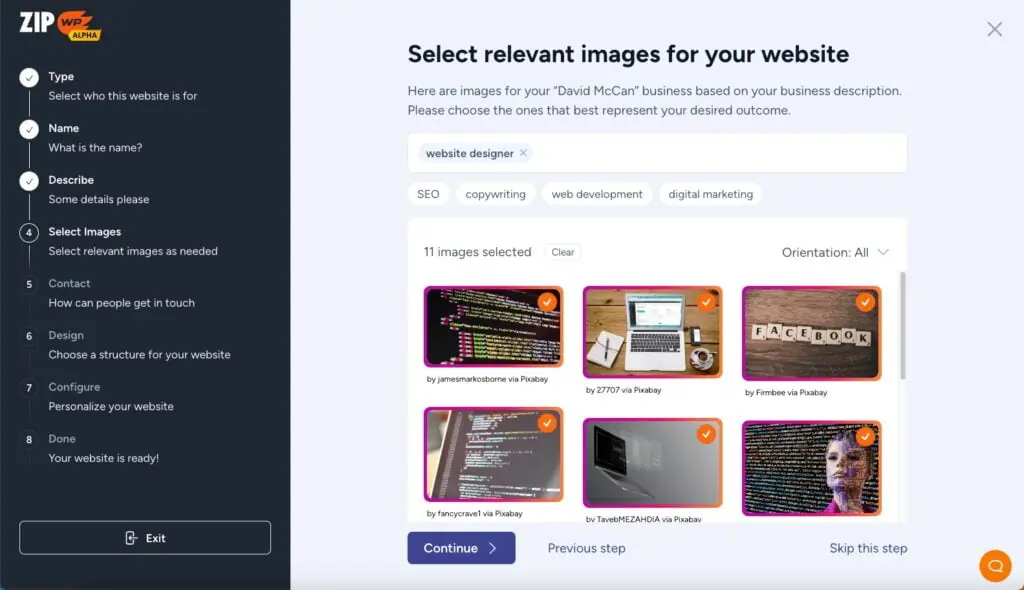
Okay, so let’s continue to the next screen. Now we get some images for the keyword “copywriter”. They’re suggesting, but I don’t want a typewriter. I can see how people might think that that relates to copywriting or something, but it doesn’t do much for me. Then we enter the keyword “designer”. You see what’s done, we have color swatches. I think maybe I should change this and say “web designer” and see what images come up for that. Next we have “SEO”, so I’ll choose this one. And now “creative entrepreneurs”. So we have some images for each category.
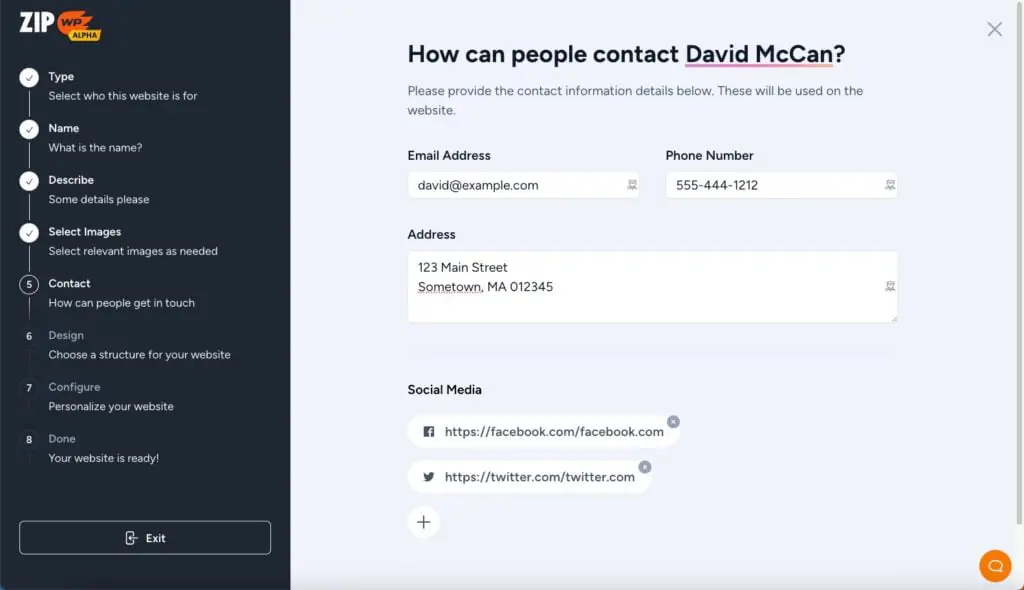
All right. So we’ve got some images here and let’s go continue. Let’s fill in information for name, company, address, email, and phone. And we’ll add some links for our social media accounts.
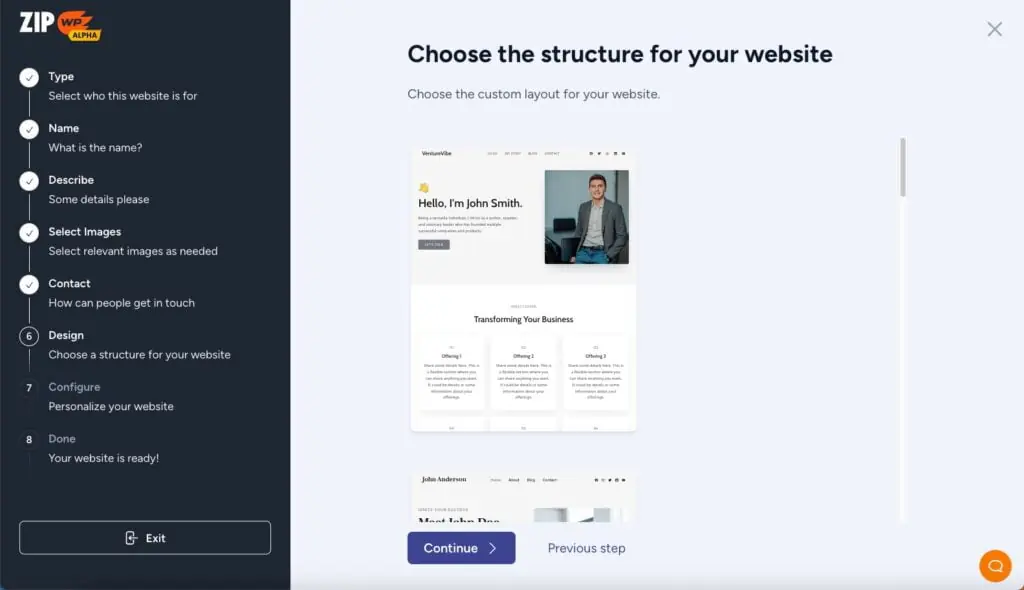
Now to the next screen where it is showing us some sample layouts. So I guess it’s giving us some options on what we want for the homepage. I pick some and continue.
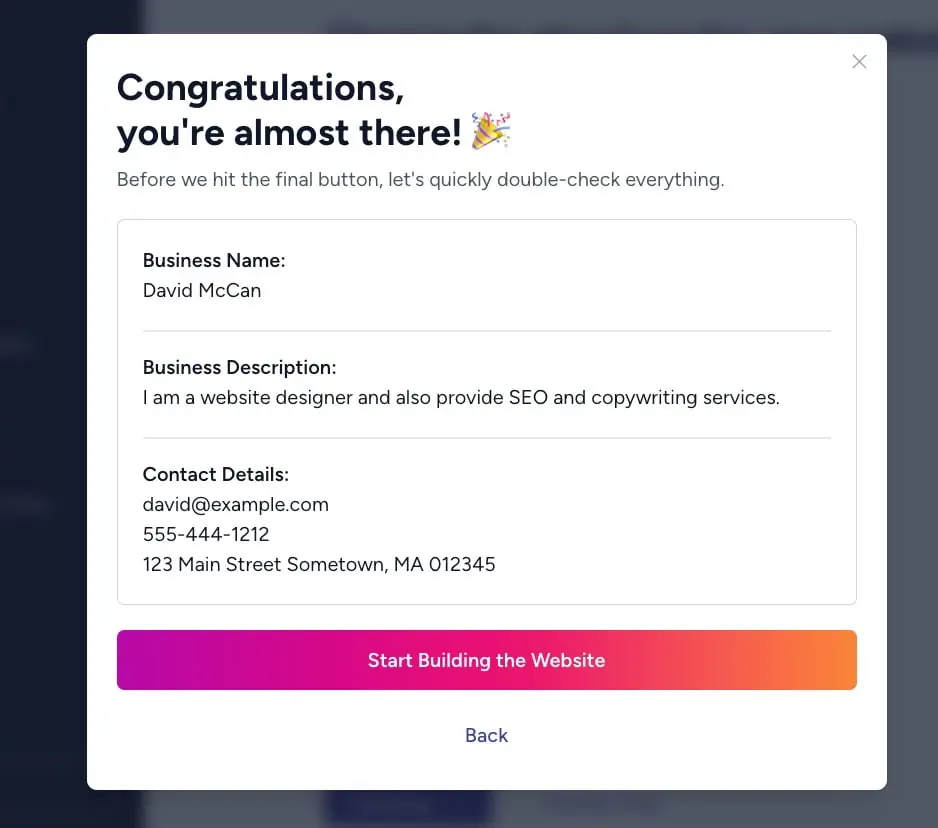
Now it is time to build the site. It gives a screen to review. Click Start Building the Website.
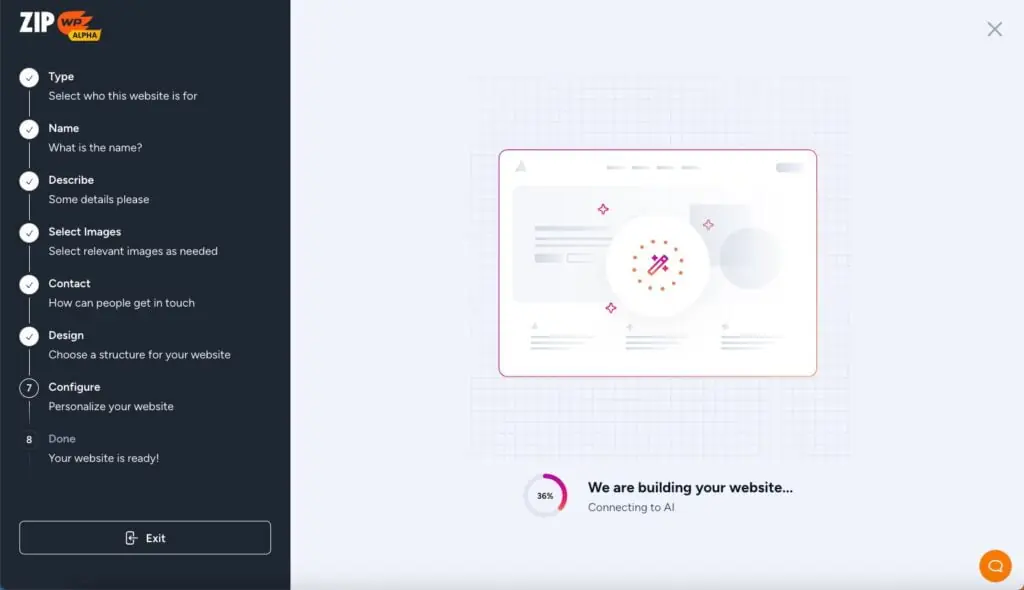
Now it says it is building the site. There are some progress circles. It was under two minutes, so not too bad.
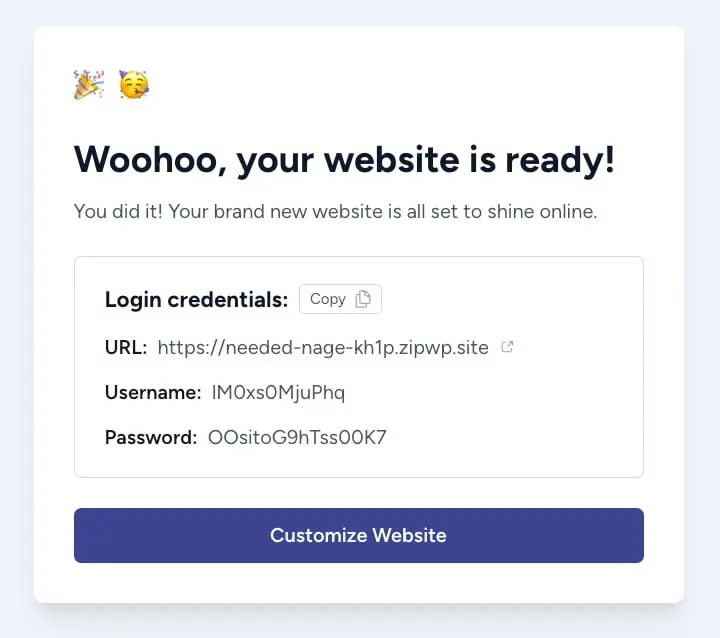
Click on Customize Website.
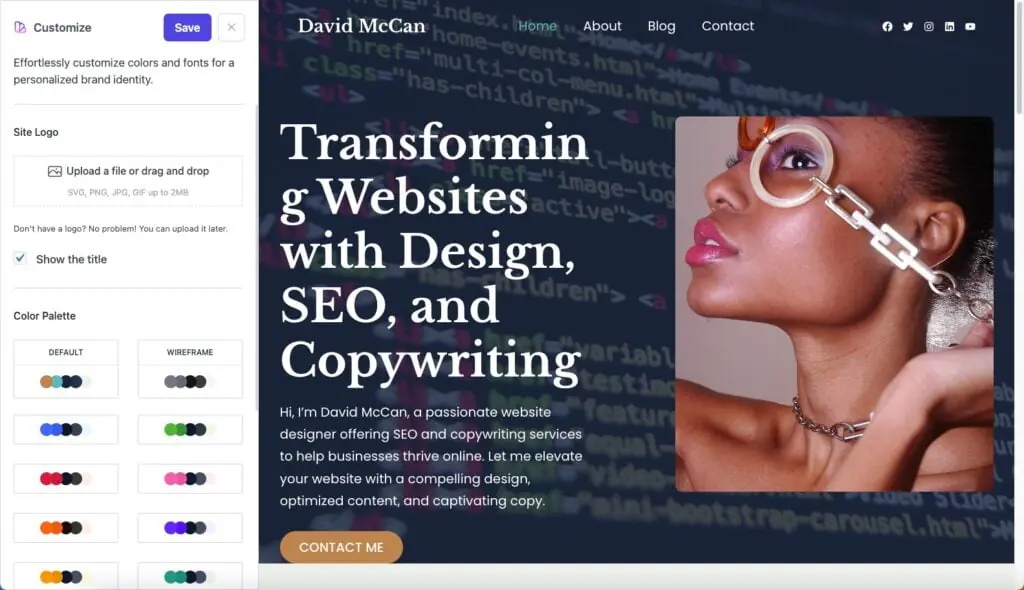
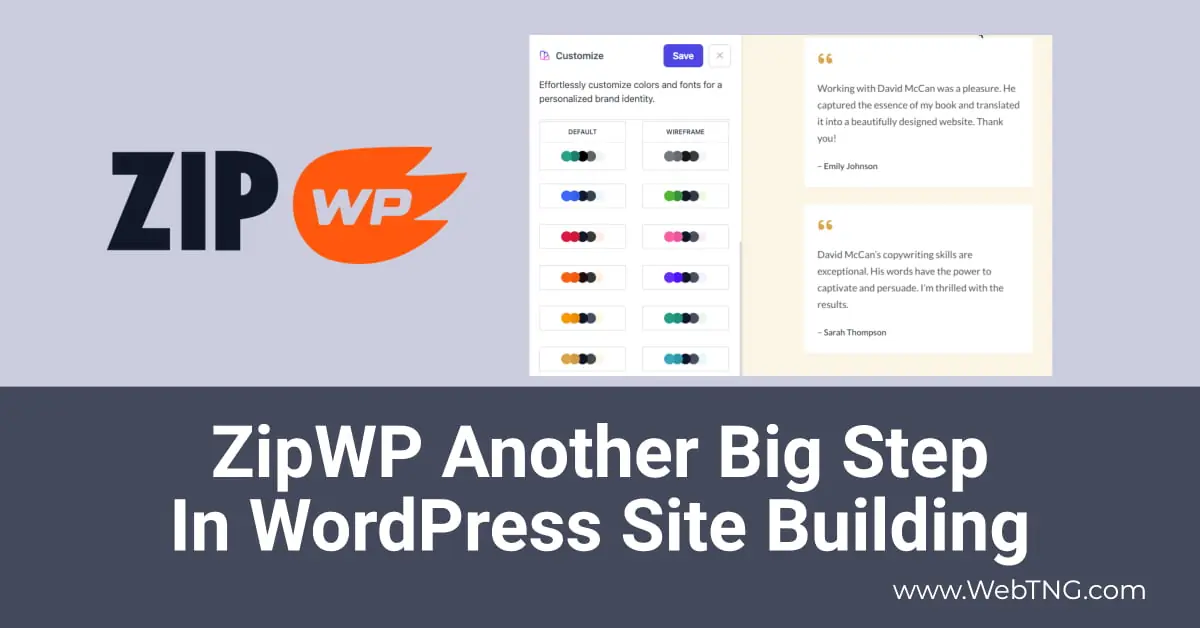
There is an option to pick a color palette and font pair. Note that you also need to update the information on the contact form. So the finished site is attractive, but could use some tweaking.
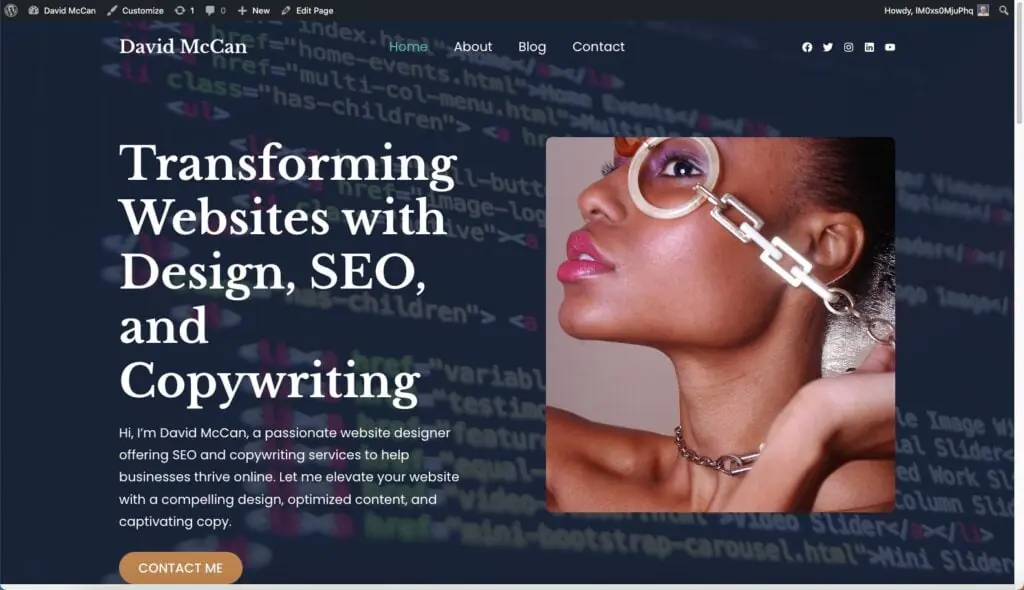
Discussion and Conclusions
If you look at the marketing materials for ZipWP, it says it is a revolutionary change in how WordPress sites are made. However, the way I’m thinking about it, it is more evolutionary:
Befor page builders you picked a niche theme and it had limited layout and design options. You used the classic editor and customization required a power user / developer with a knowledge of PHP.
Then with page builders you have a lot of flexibility to customize the layout and design using drag and drop and visual point and click options. Many sites can be built with low code or no code.
Now with ZipWP you can create a good first draft of an entire brochure site in a matter of minutes. No code required and even just a minimal knowlege of WordPress.
This has very cleverly been accomplished by the ZipWP team by leveraging their
top ranked products: Astra, Starter Templates, and Spectra. This is a great example of product synergy.
It is pretty clear that in the short term this will transform how brochure sites are made. Individuals will be able to make their own starter site and it will simplify the build process for freelancers and agencies. ZipWP blows open the market for creating brochure sites.
The ZipWP founders are very excited about this project and have plans to leverage their other products, like SureCart for simple ecommerce sites, and they may even create new plugins for LMS and booking solutions. So ZipWP, as a project, has legs and we can expect continued expansion into the future.
Another way to look at ZipWP is that it transforms the famous WordPress 5 minute install. Instead of ending up with a blank website after the famous 5 minute install process, you now have a full starter site in just 2 minutes.