Table of Contents
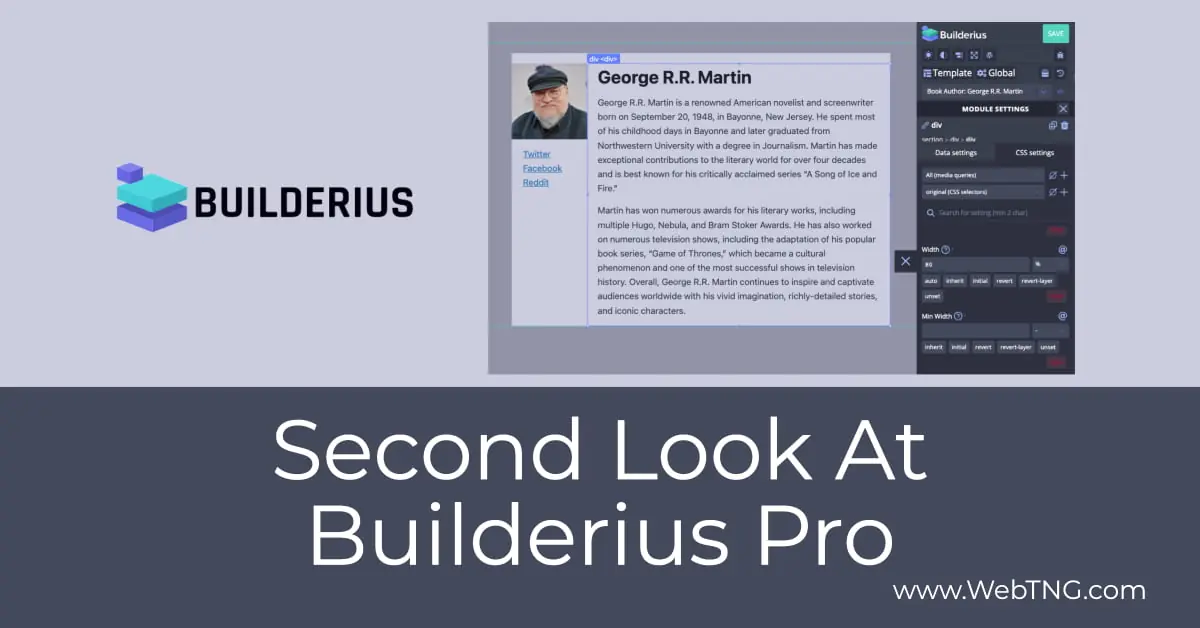
This review is my second look at Builderius. Builderius is a site builder, page builder. It is the new kid on the block. My first look was just about a year ago in September.
Video Version
Background and Overview
Last September the free version had 10 active installs. Builderius is one of those plugins where for the pro version you need to have the free version installed also. It builds on top of it. So today the free version of Builderius has more than 50 active installs. So in the course of a year it’s grown but not by leaps and bounds.
Consequently, the Builderius team has put a lot of effort in over the past year to improve the builder and they have a lot more projects and work that they’re planning to do. And so it’s a little disappointing to them that there hasn’t been more of an uptake. There hasn’t been more interest in Builderius. So what they’ve done this summer over the last month or so is that they’ve really done a push to inform people and educate people and let people know more about what’s happening with Builderius, what the builder is like and the types of features it has.
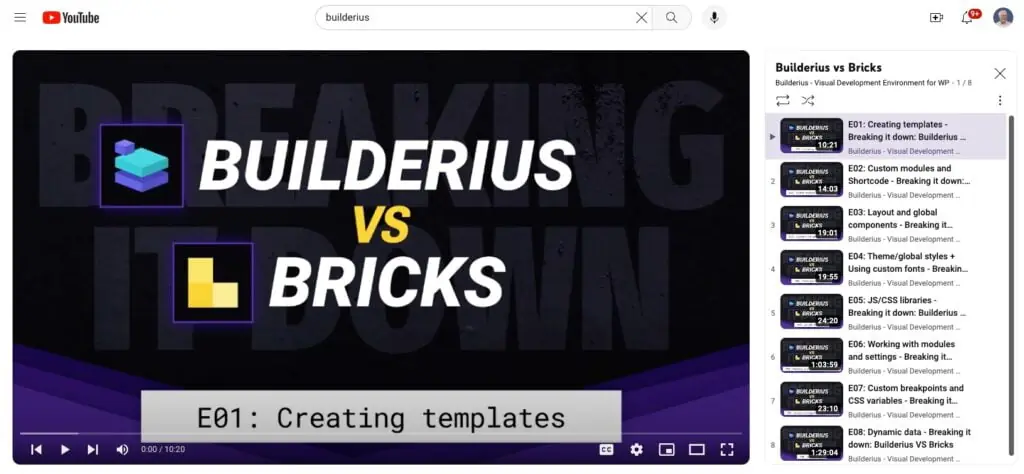
One thing they’ve done is a big series of videos here where they’ve compared Builderius with Bricks. There’s one, two, three, four, five, six, seven, eight videos that they’ve released past two weeks that compare Buildarius and Bricks. There’s one that’s pretty good and it’s this one here where Uduro Essien joined Vitali from the Buildarius team. Uduro knows Bricks very well and does some good videos on Bricks so he helped to demo the Bricks side of how you do things while Vitali demoed the Buildarius side. What you can see, the big picture, is that you can end up with very similar results. They’re both advanced builders and they have features to achieve those. But of course you go about achieving those results in different ways depending on the builder.
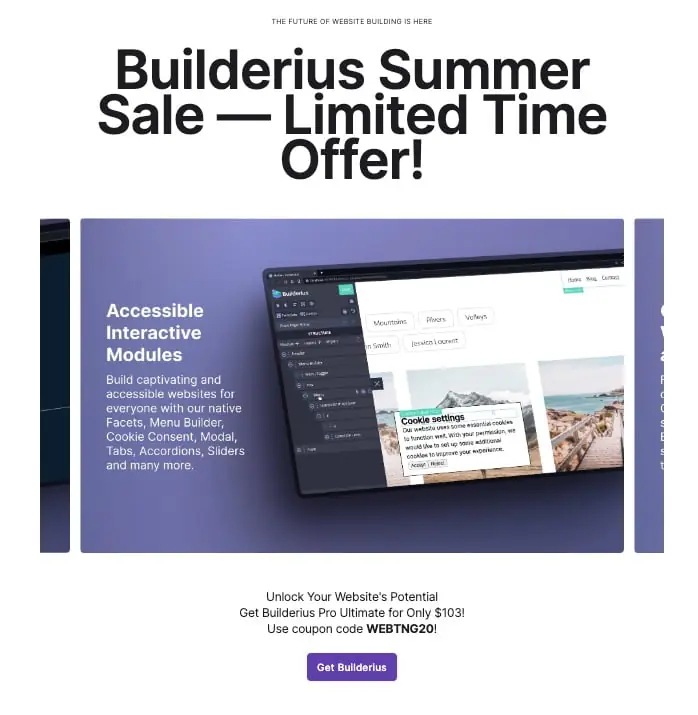
Another thing that they’ve done is that they have launched a summer sale having 20% off on Buildarius an unlimited lifetime license. So it’s pretty inexpensive and there’s a coupon, WEBTNG20, to get the discount.
Testing Site
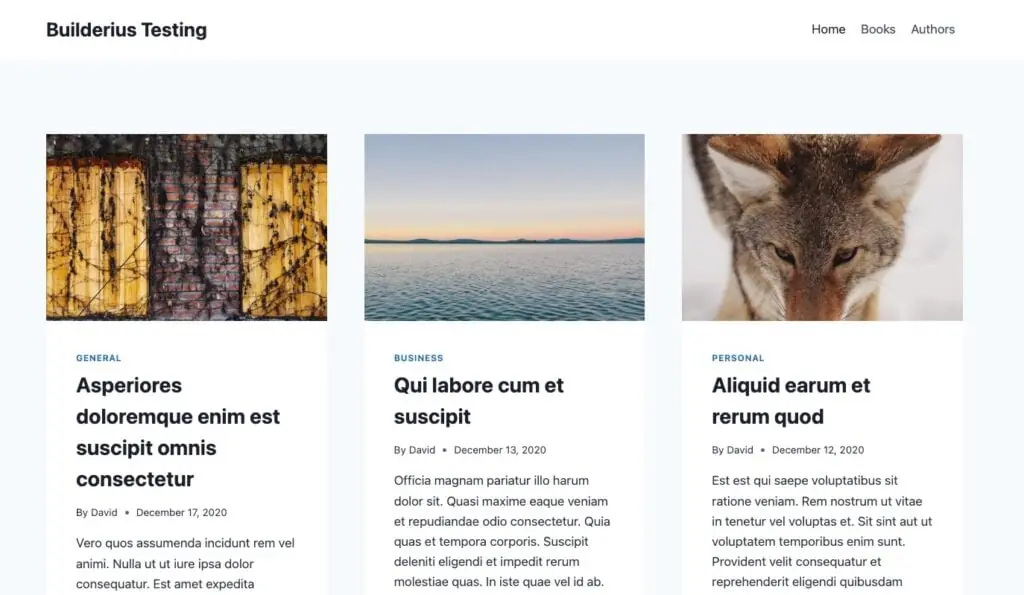
I have a Builderius testing site with the free Kadence theme, some demo post data, but I’ve also got a Custom Post Type called audio books and one called book authors.
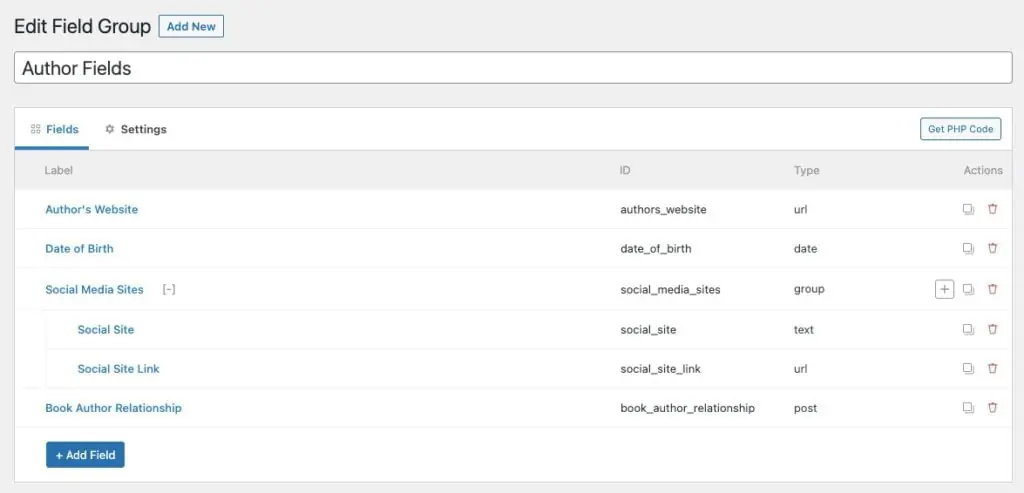
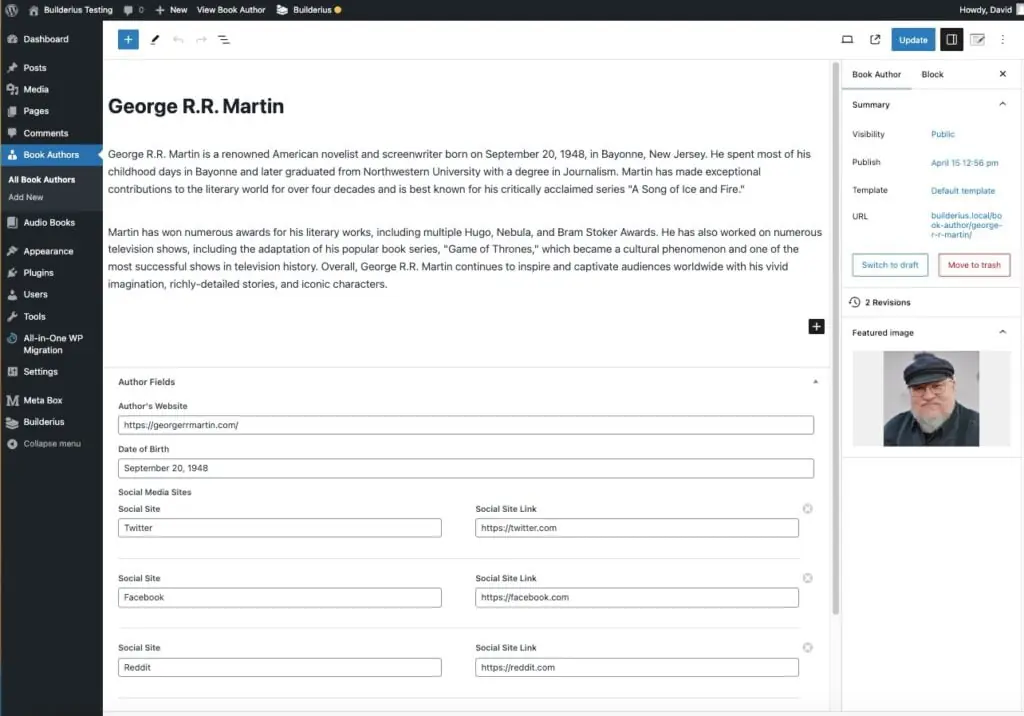
I’ve used Meta Box for creating the Custom Post Types and adding the custom fields. So if we look at the book authors for instance, like here’s George R. R. Martin. Let’s go and edit that. And And you can see we have the post title is the author’s name. This is a short biography. Here’s the author’s photo, a link to the author’s website, the date of birth. And then we have a kind of repeater type of field. In Meta Box, it’s a group that has clonable fields in it. So I have a group of fields here for each author for their social media sites.
What I want to do is give you an idea of what it’s like to create the template, the single template for book author. I’m not going to try to do everything because I really want to just kind of give you a feel for working in Buildarius. If we look at the plugins here, I’ve got All in One WP Migration for backups. I’ve got Builderius Free and Builderius Pro. Then I’ve got the core Meta Box plugin and I’ve got the Meta Box All-in-One plugin. Core is free from WordPress plugin directory and the AIO is in the premium packages that include all of the extensions.
If we go on the front end here and we look at authors, this is what the template looks like for Kadence. Okay, we have the author’s photo. You see it’s in the middle here often. I think by default Kadence assumes you’re going to have a big 1200 pixel wide image and it would fade in here with the title coming in over it. So you see our little author photo kind of standing there alone. But anyway, so here’s the post title, the post date, and the short biography, which is the content. Obviously, you know, we don’t have any custom fields showing by default. That’s one of the reasons why we use a builder.
Builderius Overview
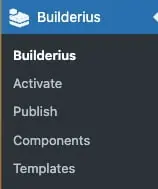
Let’s go into the Builderius menu.
- Builderius – Here it’s giving us an overview which says we don’t have any templates created yet. We have one release but there’s nothing published. So this is just kind of our starting out point.
- Activate – This is where you enter your license key.
- Publish – This is where you take your work and you make it live. And Builderius has a cool feature which is that you can have templates and other changes you’re making in the builder and work on those and view them yourself. But as long as they haven’t been published yet, site visitors still see the default or what you had before.
- Components – This is a feature of Builderius. You can have global component layouts that you can insert into templates. This is actually how you create your header and footer in Builderius. You would create a header component. And then when you create your template, like we’re going to do for single author, you can insert that, include that component in your template. So that’s a little bit different than you might be used to, but it might be a little more flexible, I’m not sure.
- Templates – One of the changes that they’ve made is that you can create regular templates, which replace the page (header, footer, and content) or you can create a template that is placed using a hook location. In that case we can create a template to just replace the content area and still use the theme for the header and footer. That is what I do.
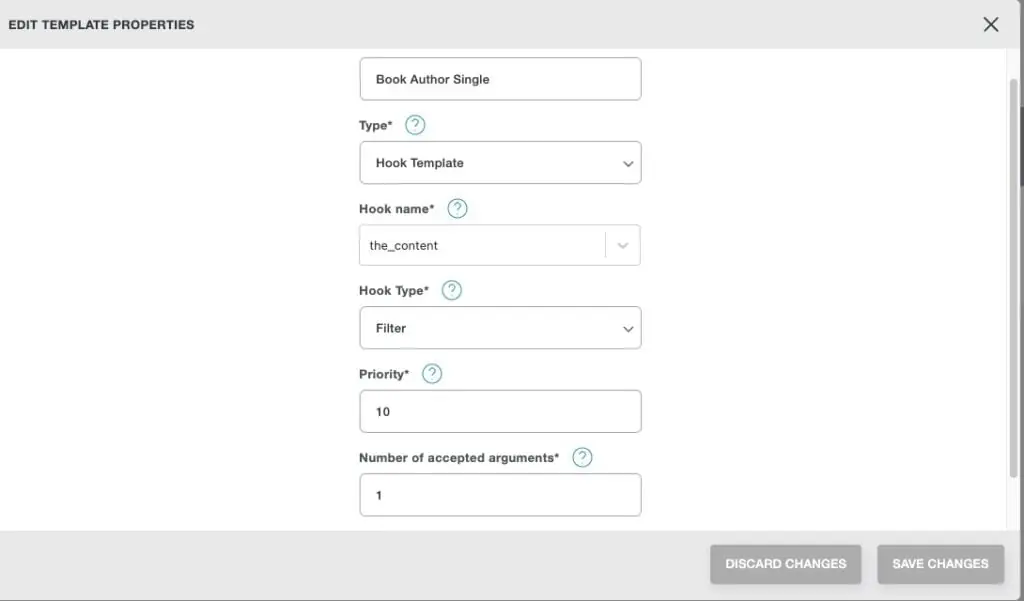
Creating the Template
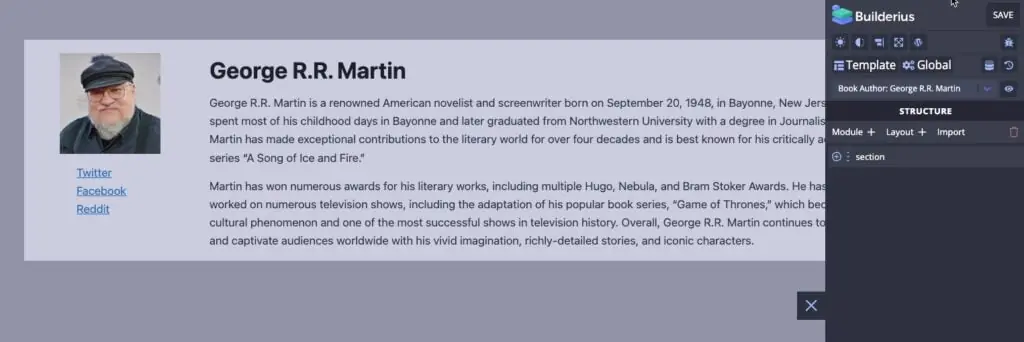
When you go into the editor to create a template everything is blank, except for a small Builderius icon on the middle right. Clicking on that opens the settings panel. I first add a Section, but nothing shows on the screen. You need to X out of the settings and then click on the section in the list, and then go to the CSS settings and give it some minimum height and width. I set it to 100% wide and 100px minimum height. I also give it a background color.
Inside the section I add a Div. Just like with the section, you have to give it some dimensions and a background color to see. The only difference is I set the max width to 1290px. I use the Flex Box settings on the section, which contains the div, to center the div. This will be for the content.
Inside that div, I add 2 more divs. I set the size and background, making one 20% width and the other 80% width. I then use flex settings on the parent div to make two columns. The one of the left gets an image module with the content set to be the Featured Image. The one on the right gets a Heading module and an HTML module. Dynamic data for the Heading is set to the Post Title. Dynamic data for the HTML module is set to the Post Content. This gives us our basic template.
Now lets add the repeater content. Under the image I add another div and set the minimum height and width to 100px. I add a Collection module into that div. That automatically gives us a Template under the Collection. In the template I add an Anchor module and in the content area I type “Social Link” (without quotes).
Now I go up to the Collection level and for the data I pick the Meta Box group field for social sites. Builderius has put that at the top of the list, which is convenient. Now I see three instances of the words Social Link, one for each item in the Meta Box group. Going back to the anchor module, I replace the words Social Link with the dynamic data, selecting the field for Social Link. I go to the link section of the anchor module and in the data section pick Social Link URL field. Now I see the real links and hovering over them I can see they go where they should. Not too hard.
Discussion and Conclusions
The Builderius team is working hard to create a standout solution, but judging by the number of active installs, they still haven’t captured the community’s imagination. They are offering a sweet price during this sale to encourage people to try it out for themselves.
The team also did a number of comparison videos with Bricks. This was in response to people’s request on Facebook, asking how they compared, so that was cool that they responded in depth. However, if I was to do a comparison, I think I would compare it to Oxygen. I think Builderius is closer to Oxygen than Bricks. The idea with Oxygen is to give you a user interface that is close to the code. Builderius does that even more than Oxygen does. So I would order them as Bricks, Oxygen, Builderius in order of difficulty and in working closely with code.
In terms of Pros and Cons, the Builderius team has been planning a big user interface overhaul for some time now. You saw in the video some of the UI issues. We also saw a few bugs and oddities that wasted some time. Perhaps it would have been better for the Builderius team to start their public awareness push after the UI update. I should point out that none of the UI issues stopped me, but the walk-through would have been nicer without them.
Let’s not overlook Builderius strong points. For example, features mentioned or shown in the video include:
- There is great support for ACF and Meta Box dynamic data.
- We saw how relatively easy it was to output the repeater type of data, even where there was more than one field per row.
- You can replace the theme and build all of the templates with Builderius, or you can keep the theme and just replace the content area.
- You have built in staging and publishing of releases to make them live.
So, lets assume that the team fixes all of the UI issues, what then? Where would Builderius stand? My sense is that Builderius would still be more technical to use than Oxygen, and Bricks. That is not a bad thing, per se, as Builderius opens up a lot of power and flexibility. The site builder would have fewer limitations. Working close to the code and having that level of freedom appeals to many power users and developers. However, being more technical than Oxygen also probably means that the overall market share will be smaller also.
It is pretty amazing what the small Builderius team has achieved so far, and they are moving forward with many planned improvements. At the end of my “first look” at Builderius I concluded that it was not ready for adoption yet. I wouldn’t have used it to build sites. Now, with the second look, I can see that one could build sites with it and it is closer to being a serious choice for developers and power users.