

Table of Contents
Introduction
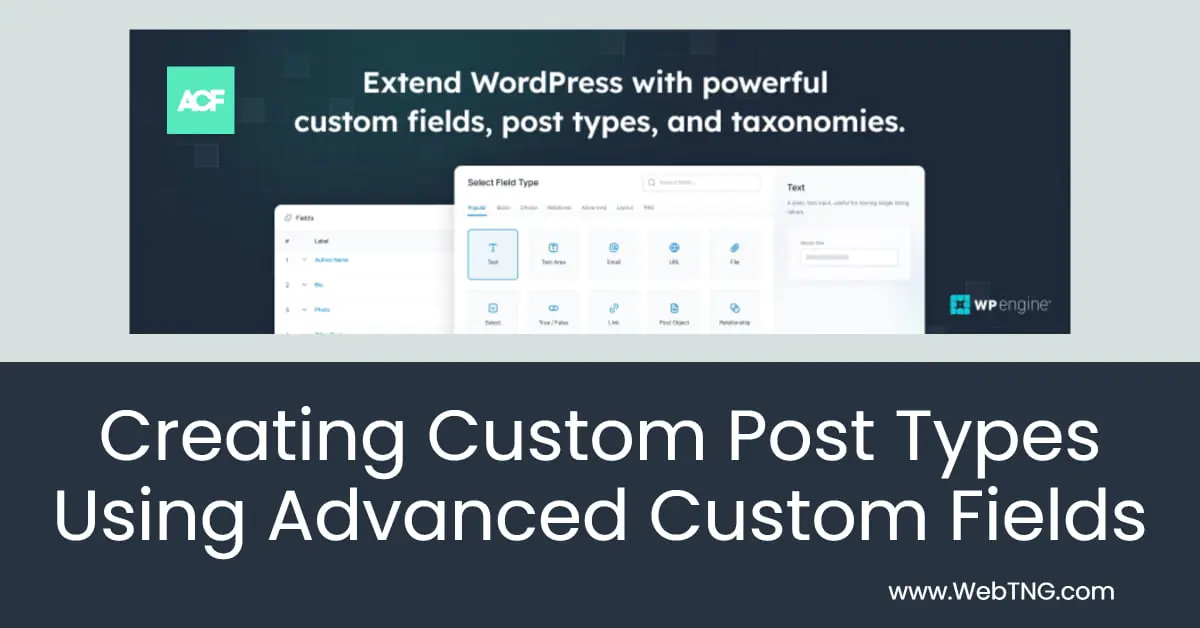
For a long time the most popular way to create Custom Post Types (CPTs) was to use Custom Post Type UI (CPT-UI) to create the Custom Post Types and custom taxonomies and pair that with Advanced Custom Fields (ACF) for adding custom fields. However, ACF recently included the ability to create Custom Post Types and custom taxonomies without the need of another plugin and I predict this will quickly become the most used option.
In this tutorial I will do a walk-through using ACF free to create two Custom Post Types, with a relationship field joining them, create a custom taxonomy, and add custom fields. I’ll also show you how to make the relationship field between the two Custom Post Types bi-directional.
Why ACF? There are several reasons why ACF it is often the chosen solution:
- Advanced Custom Fields has a free version with all of the basic field types. The free version has more than two million active installs. ACF Pro adds some additional field types and advanced features.
- ACF support is excellent and there are a large number of 3rd party extensions. There are tons of online tutorials and resources.
- ACF is the most widely supported tool. ACF fields are supported by all of the major page builders that have support for dynamic data (pulling data from the database).
- The professional versions of the major page builders have a “theme builder” option that allows you to create single and archive templates for your Custom Post Types. All of them support ACF.
- Now that some site builders are moving to Gutenberg and perhaps the Full Site Editor, you’ll find that ACF is also the most widely supported custom fields plugin there as well.
So now we know why ACF is the most popular choice, lets turn to the walk-through.
Video Walk-Through
Notes About Post Type Relationships
When you create post relationships there are some things to keep in mind:
- We have two Custom Post Types. The relationship field is the way to join them.
- Dividing the fields between two Custom Post Types help to avoid needing to enter the same data multiple times. In this case, for example, we have more than one book with the same author. It also makes the data easier to maintain as you only need to update it in one place.
- An ACF convenience is that you can visually pick the related record, but by default ACF relationships are one way.
- So, which Custom Post Type should have the relationship field, because that will be the one where you make the choice. Choosing implies that the other record already exists! So which Custom Post Type should get the relationship field?
- In this case, since there may be authors with more than one book, it makes sense to enter the authors first and then pick the author from the book edit screen second … so the relationship should go on the Audio Book Custom Post Type.
The trick to creating a bidirectional relationship is pretty easy:
- Add a relationship field to both Custom Post Types.
- Give them the same name.
- Of course on the Audio Books relationship field you filter to show Book Authors and vis-a-versa.
- Read about it in the ACF documentation and add the code snippet below.
Want to have a bidirectional relationship instead? The ACF documentation has a code snippet you can use.
function bidirectional_acf_update_value( $value, $post_id, $field  ) {

    // vars
    $field_name = $field['name'];
    $field_key = $field['key'];
    $global_name = 'is_updating_' . $field_name;


    // bail early if this filter was triggered from the update_field() function called within the loop below
    // - this prevents an inifinte loop
    if( !empty($GLOBALS[ $global_name ]) ) return $value;


    // set global variable to avoid inifite loop
    // - could also remove_filter() then add_filter() again, but this is simpler
    $GLOBALS[ $global_name ] = 1;


    // loop over selected posts and add this $post_id
    if( is_array($value) ) {

        foreach( $value as $post_id2 ) {

            // load existing related posts
            $value2 = get_field($field_name, $post_id2, false);


            // allow for selected posts to not contain a value
            if( empty($value2) ) {

                $value2 = array();

            }


            // bail early if the current $post_id is already found in selected post's $value2
            if( in_array($post_id, $value2) ) continue;


            // append the current $post_id to the selected post's 'related_posts' value
            $value2[] = $post_id;


            // update the selected post's value (use field's key for performance)
            update_field($field_key, $value2, $post_id2);

        }

    }


    // find posts which have been removed
    $old_value = get_field($field_name, $post_id, false);

    if( is_array($old_value) ) {

        foreach( $old_value as $post_id2 ) {

            // bail early if this value has not been removed
            if( is_array($value) && in_array($post_id2, $value) ) continue;


            // load existing related posts
            $value2 = get_field($field_name, $post_id2, false);


            // bail early if no value
            if( empty($value2) ) continue;


            // find the position of $post_id within $value2 so we can remove it
            $pos = array_search($post_id, $value2);


            // remove
            unset( $value2[ $pos] );


            // update the un-selected post's value (use field's key for performance)
            update_field($field_key, $value2, $post_id2);

        }

    }


    // reset global varibale to allow this filter to function as per normal
    $GLOBALS[ $global_name ] = 0;


    // return
    return $value;

}
add_filter('acf/update_value/book-author-relationship', 'bidirectional_acf_update_value', 10, 3);
Just be sure to change the last line to use the name of your relationship field.
Two facets of working with Custom Post Types
After you create the Custom Post Types, custom taxonomy, and add the custom fields, you are only half through. You also need to show the content on the front-end.
- Creating them and adding the custom fields, entering the data in the admin. Here we use tools like ACF, ACPT, CubeWP, JetEngine, Meta Box, Pods, or Toolset.
- Creating single and archive templates to show them on the front-end. Here we can create templates using PHP, in the Full Site Editor, or by using the theme builder functionality of pro page builders and Gutenberg solutions: Beaver Builder / Beaver Themer, Breakdance, Bricks, Brizy, Builderius, Elementor, GeneratePress / Generate Blocks, JetThemeCore, Kadence Pro, Meta Box Views, Oxygen, Zion Builder and more.
There are a lot of tools available. I’ve looked at most of them. Have I missed the one you use? If so, please let me know.
It’s been interesting following you in recent years because (among other reasons) you’ve used Kadence and Toolset, like us.
Naturally the reason for sticking with Toolset was that it did more than ACF. Would you agree with the obvious conclusion that it’s time to start planning a shift from Toolset to ACF, especially when rebuilding some of those legacy sites?
With what Ben wrote the other day, it’s becoming possible to see a semi-distant future with an FSE Kadence as well.
Yes. Toolset taking a 2 year timeout doesn’t work well given the speed at which change is happening in WordPress. There were hints in the announcement that sales numbers aren’t there.
good evening sir,
I am developing a Matchmaker website page and am having some issues. Some features should be included on that web page.
Males and females should search for their desired match through this website page.
Both men and women should find their desired match according to astrological compatibility.
If you want to add an astrology match to this website, male has 35 types of stars and female has 35 types of stars.
For every male Nakshatra, there is a corresponding few female Nakshatras. Likewise, For every female Nakshatra, there is a corresponding few male Nakshatras.
The list is attached as a separate Excel file.
on my website search page if I select both gender and birth star in the listing view page the appropriate profile should be displayed. How to do so? Can you explain in a bit more detail? Can this be done with plugins?
Thanks & Regards,
A PADMARAJ
I’m not available to log into your site and solve this for you, but I can share some ideas and suggestions. I imagine you can do most of it with plugins, like ACF and WP GridBuilder.
I would have one Custom Post Type for “Members” who were the users (assuming the users have to have a login anyway). A Custom Post Type for the types of Stars also. For each type of star record you can add the permissible matches, ,maybe using a custom taxonomy. If they have a login then you know if they are male or female from their profile.
Thank you for your support. I will try your ideas. your task is priceless.
i copy his code, did not work.
ACF now has this code built-in. https://www.webtng.com/acf-6-2-built-in-bidirectional-relationship-fields-and-option-pages/
Hi Dave …. thanks for the video ….. i was just wondering if you’d consider doing another ACF/Kadence video lesson in the future – but without the bi-directional relationship info ….. i found that after watching the video, the bi-directional relationship info just kind of confused me to a certain degree.
Maybe something simple, like a Custom Post Type showing different Real Estate Agents from a Real Estate office, or a series of different Books – like in some of your other videos.
Thanks for the consideration
Yes, I could see doing something like that. Thank you for the suggestion.
Thanks …. that’s great …. it looks like with the new ACF upgrades, combined with powerful hybrid themes like Kadence, that WordPress really has become a super powerful platform for displaying database oriented data … without being to overly complex.
When i first started looking into WordPress about 15 years ago, WordPress and Drupal had aprox. 10% of the CMS market share each … my friend who was a Drupal developer at the time, chose Drupal over WP because of Drupals database UI integration features, which WP didn’t really much of have at the time … but now, it’s beginning to look like WP may have become a more practical solution than Drupal for a database oriented display solution.
These days, Drupals market share of the CMS market has dropped to only 1.6% of of the CMS market share, while WP has aprox. 62.9% of CMS market share … while looking into the reason(s) for Drupals decline, i found this interesting article where the author blames the fall of Drupal on becoming to complex for much of it’s user base ……
https://mikeschinkel.com/2014/the-decline-of-drupal-or-how-to-fix-drupal-8/
I started out with Drupal and moved to WordPress with the introduction of Drupal 8.