Hi, this is David McCan for WebTNG. This video is for people who have an e-commerce site and so have customers who log in to view their orders. Or for people who have a learning site and their students log in to take courses. Or maybe people who run a community site where members log in to discuss shared interests. Or an agency site where clients log in to collaborate on work that needs to be done. Bottom line, if you have a WordPress website where you have multiple users logging in, then this plugin, the one we’re looking at in this video, will be of interest to you. It’s called Fluent Auth, and the plugin brings a ton of features for websites where you have a lot of users. What I’m going to do in this video is a walkthrough of all the features, and then after the walkthrough I’ll show you why you can trust this plugin and feel confident using it on your WordPress website. Then finally we’ll have some discussion and conclusions at the end.
Video Version
The video has the full walk-through. This article has a summary.
Summary
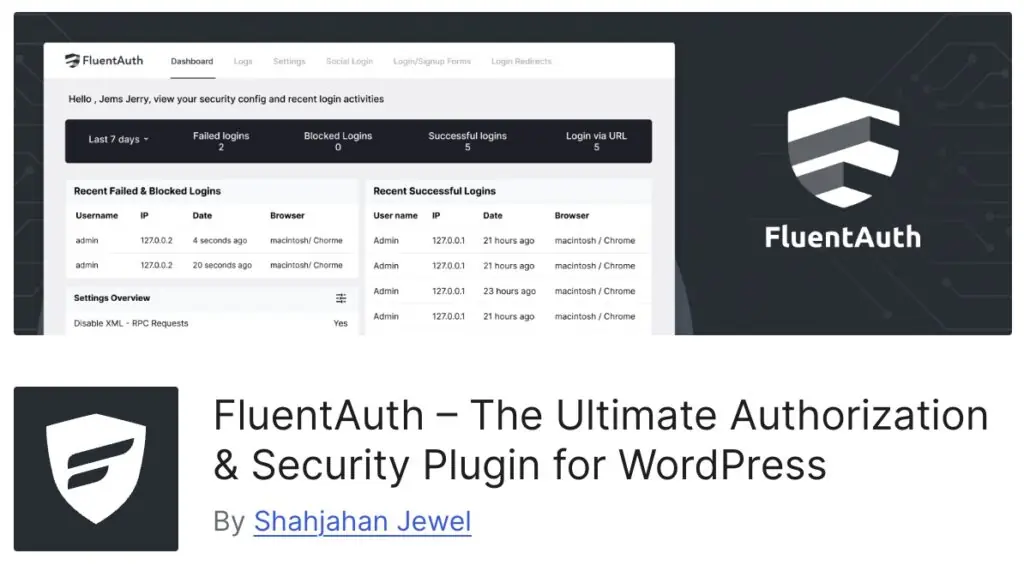
The plugin we’re looking at is called FluentAuth. This is it in the WordPress plugin directory. Like I said, it’s a totally free plugin. It’s created by the lead of the WPManageNinja company. They make a number of high quality WordPress plugins. FluentAuth has 9,000+ active installs and a rating of 4 out of 5 stars. I looked at version 1 of this plugin a couple of years ago, and now they’re on version 2. I’m looking at FluentAuth again because version 2 adds more features, and it’s just a really solid option for sites where you have a lot of users. I know that a lot of us are building membership sites and stores, and FluentAuth provides a number of useful features for these types of sites.
FluentAuth is not a full-fledged security plugin with all the bells and whistles. But it does have some security focused features, ones that relate to logins and user authentication. The first one is disable XMLRPC. A lot of people don’t realize that in addition to the regular login form, people can log in via XMLRPC. And that’s not really used very much today. The only big exception is Jetpack. So most sites turn this off, and you want to turn it off or have some protection on it, because just like the login form, bots are hitting or trying to hit XMLRPC to get into your site. So it’s good to disable that. And then you can disable Application login. That’s something I think that’s kind of new in WordPress. If you go and look in your profile page on the users, your user profile page, you’ll see at the bottom now there’s an option for application logins. It’s not used very much. So you can turn that off. You would know it if you needed either of these features. So generally it’s safe to turn these off. Then disable the REST endpoint for user query on the public. This helps cut down on unauthenticated user enumeration. So we want to turn that off. And then this is a feature that I’m sure you’ve seen on tons of sites. And that is when you sign up, it sends you an email to verify your email address. So we want that on also. Then there are login security settings, the regular WordPress login form. You can limit how many times someone can try to log in. And set how long they’re locked out if they have too many failures. You might find this is a feature in other security plugins. You don’t want it turned on for both. I like using the FluentAuth version because it works with all of these features.
There are a number of features in FluentAuth that are targeted to the needs of a site where you have lots of users logging in. What we can a membership site. The features include the ability to:
- Search and view logs of successful, failed, and blocked logins
- There are core security settings related to authentication and users such as disabling XML-RPC, disabling Application login, and disabling publicly querying users via the REST API.
- You can send an email to verify the user’s email address during the registration process
- You can limit brute force attacks on the login page
- You can add email based 2fa by user role
- There is the option for “magic login” using your email address, also can be based on user role
- You can setup realtime or digest notifications for successful or blocked logins by user role
- You can disable the admin bar by user role
- You can customize the login and registration pages
- You can setup social login using Google, Github, and Facebook
- There are shortcodes for use if you create custom login, registration, or email recovery pages
- You can enable login and logout redirects by user role
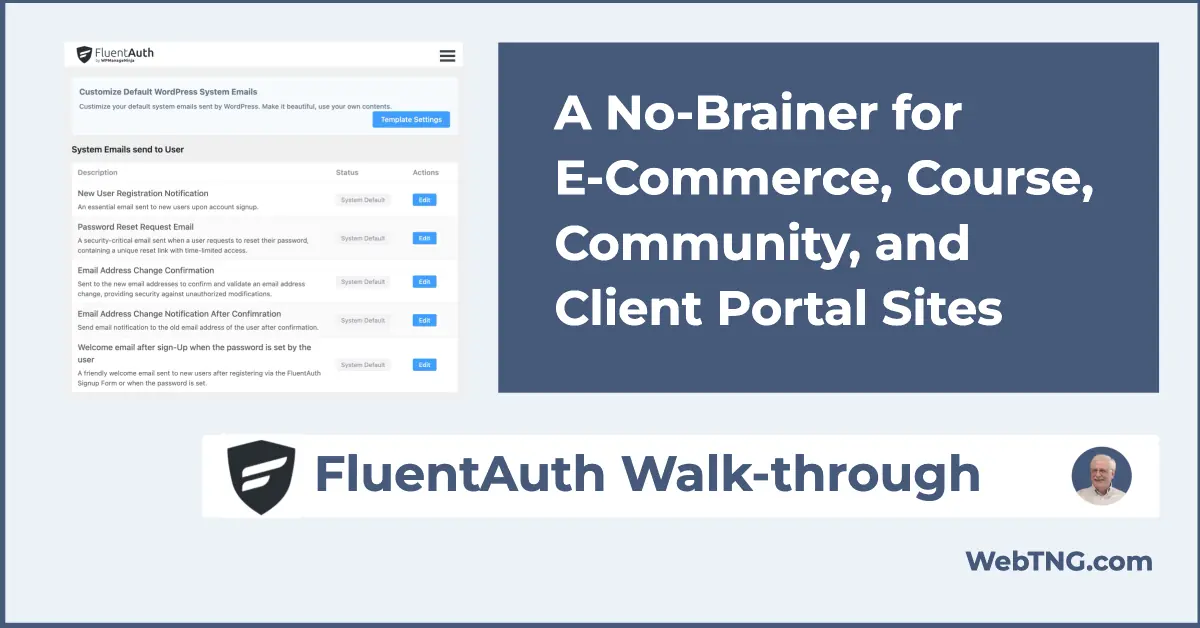
- You can customize the account related emails that WordPress sends
- And you can scan WordPress core files manually or automatically to make sure they haven’t changed.
OK, a ton of features. Some of them are security related, some are convenience features for the user, and other features are useful for administering membership sites.
I really like the fact that almost all of the features are simple and straightforward to implement. Dedicated plugins like for example for customizing the login and registration pages, they might have more features, but for most sites the basics of this plugin are enough to take it up a notch.
WPManageNinja is using FluentAuth on their own website, which is a very active website. I really like that they’re sharing with the community this free plugin that they developed for their own use. And we get to use it as well. If it is good enough for their site then we can be confident that we can use it.
All right, so that’s my look at the Fluent Auth plugin. I highly recommend it.