In this article I’m taking a look at the free WordPress Beta Tester Plugin. This is a plugin created by the WordPress team themselves, and it allows you to test the betas and release candidates of WordPress Core before the next version of WordPress is released.
Video Version
How to Install a WordPress Beta or Release Candidate
There are a lot of reasons why people want to test a pre-release. Maybe you’re a theme or a plugin developer and you want to make sure that your theme or plugin is going to work with the next version of WordPress. Or maybe you’ve got some critical sites, and you want to make sure there aren’t going to be any surprises with the next version of WordPress. Or maybe you’re curious about the upcoming changes and features that will be in the next version. So for any of a variety of reasons you want to test the forthcoming version of WordPress, this is an easy way to do it.
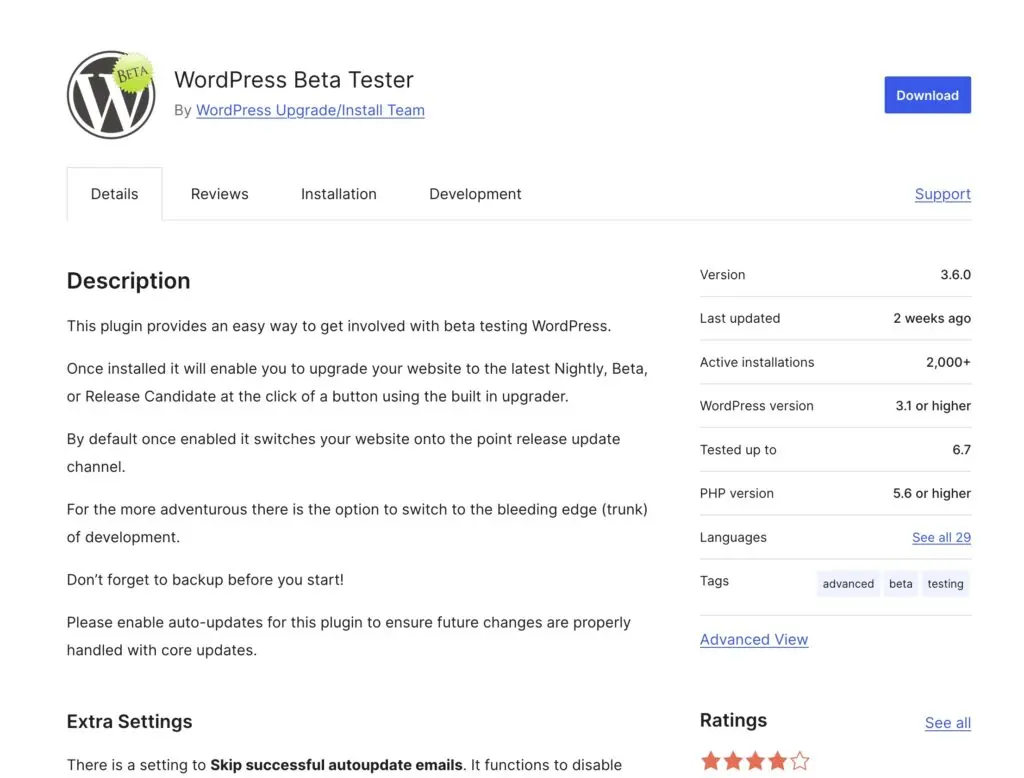
The WordPress beta tester plugin is available on WordPress.org. It’s been around for a long time, you see it only has 2000+ active installs. That’s because people only install this on testing sites, yeah, don’t install it on your production site, just on a testing site. And before you install it, if you might want to revert the site back later on, then at least do a backup of the database.
One thing that’s kind of interesting is that the plugin only has 3.8 stars, you know, almost 4 stars, which I’m kind of surprised. If you look at some of these reviews, the lower number of stars reviews, they’re from like 3 and 4 and 5 and 6 years ago, and some of them are people who didn’t really realize what the plugin does. I’ve used it a number of times in the last several years and never had an issue with it. And since you only use it on testing sites, I don’t think that you need to be put off by the fact that it doesn’t have a 5 star rating.
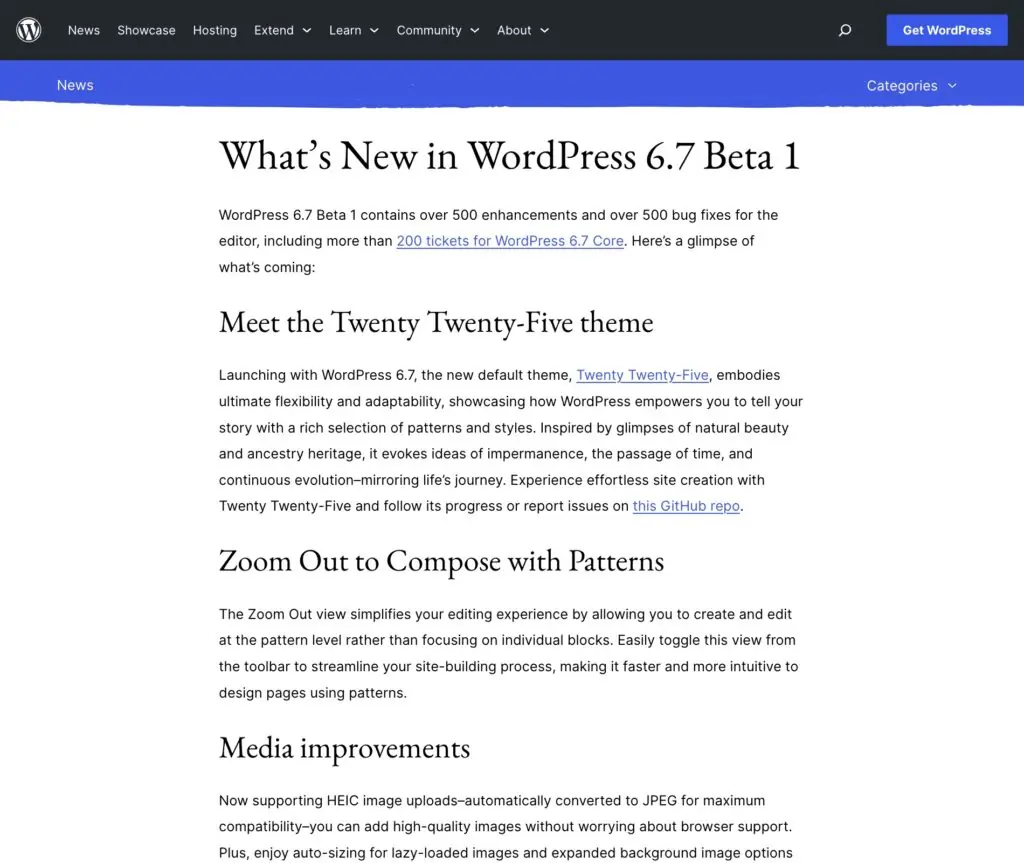
When you’re going to test a beta or a release candidate, it’s useful to know what’s coming so you know what to keep an eye out for. And the core team always posts a news item that tells what’s coming in the next version. You see it’s October 1st when I’m recording this, and you see today there has been the first beta of WordPress 6.7 released, so I’ve been waiting to make this video until there was a beta available. So they tell you what’s coming in this beta, and you know, this is the way we’re testing.
In addition to using the beta tester plugin, you can also download a zip of the beta. Or you can use the WP-CLI command line, to switch to the beta version, or you could use a WordPress Playground if it’s something you don’t really need to keep around and you just want to kind of try something out quickly.

WordPress 6.7 is scheduled for November 12th, okay? So there’ll be a few betas and then release candidates before it’s finished. Okay, I have a testing site here. It’s on WordPress 6.6. And you know, the way you can tell what version you’re running, one way is to look in the footer, and it tells you what version of WordPress you have. I have 6.6.2. You can also go to updates, and here it tells you the current version that you have.
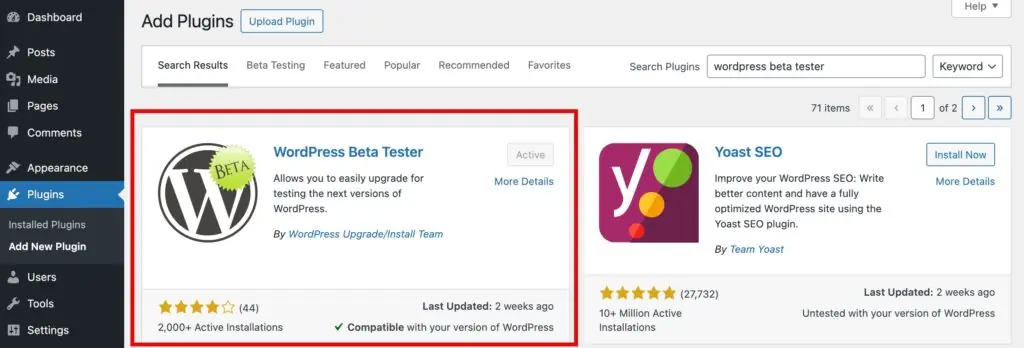
So let’s go and install the plugin. And here it is.
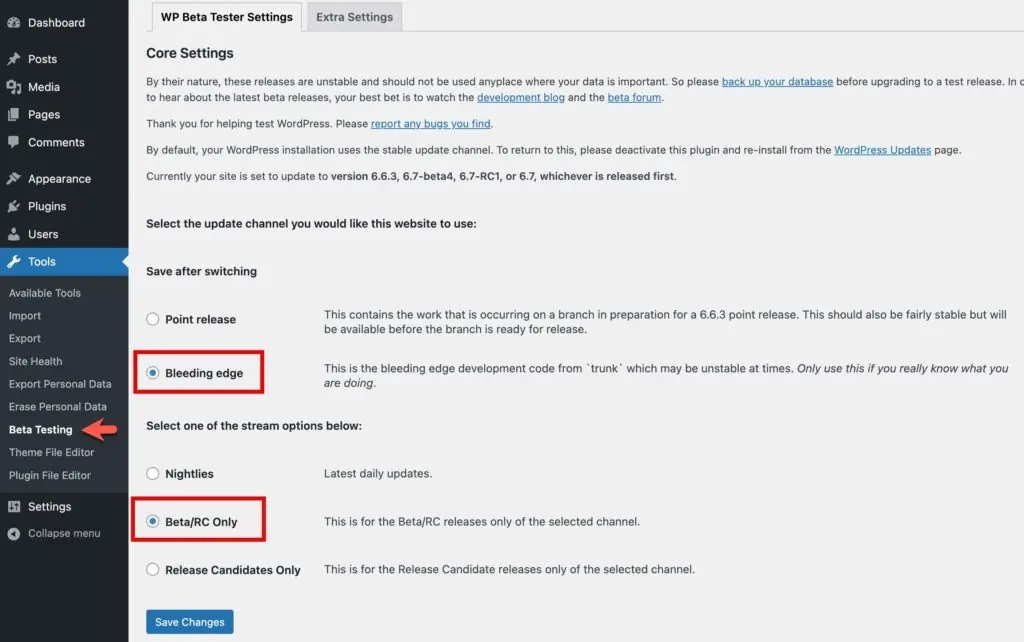
The settings are under Tools, Beta Testing. You have a few options. You can go for a point release, and so this would be if there is a point release, what comes after the first two segments here are the points release, so 6.6.x. So if there was going to be a point three release, you’d go for the point release to see what they’re working on, or you can go to the bleeding edge.
We need to pick Bleeding Edge to test a beta version. There you have the option for Nightlies, Beta/RC Only or Release Candidates Only. I’m going to switch to bleeding edge, and beta and rc only. After saving it says currently you’re set to update to 6.6.3.beta1, rc1, or 6.7, whichever comes first. So we’re on the right branch here now for what we want to test.
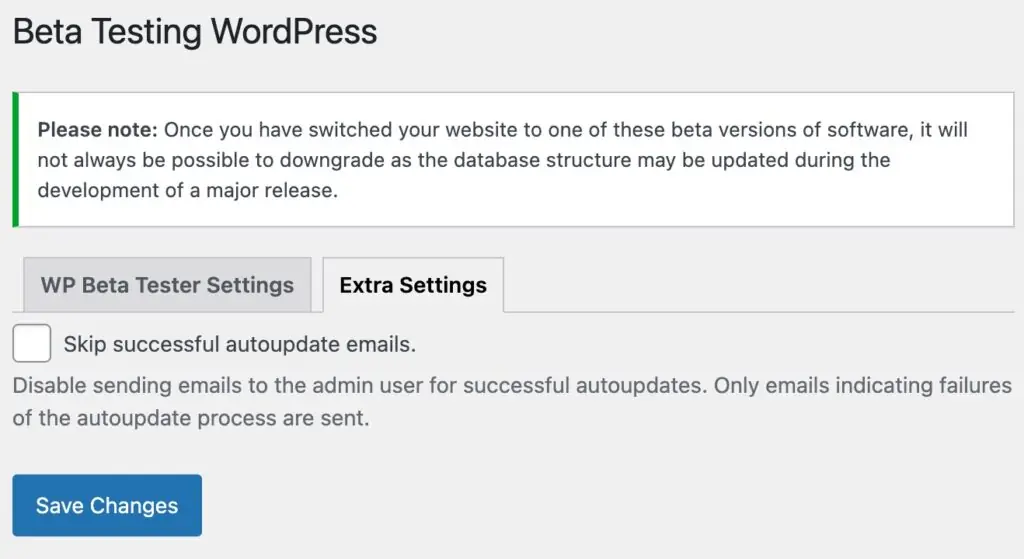
There are a couple of other settings here. Sometimes it’ll send emails if there’s a new beta version. It’ll send out an admin email saying the site’s updated. There is also a link for reporting a bug should you find any.
Go to the dashboard for updates. It reminds you to update your database first. I am just on a testing site here, so I’m not going to create a backup, but there are a number of free plugins that will create a backup of your database. You can check in the WordPress plugin directory. There’s WPVivid. There’s All-in-One WP Migration, and so on, so there are free options for that.
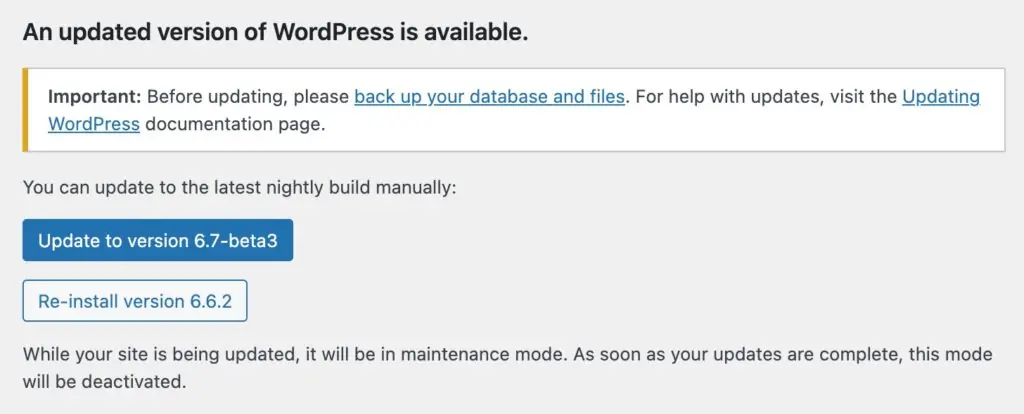
The page shows the option to update to beta 1, 6.7 beta 1, so click to do that. Then after a few seconds it says there’s a database update required, and after that then all done, I’m now on 6.7 beta 1, so I can do my testing.
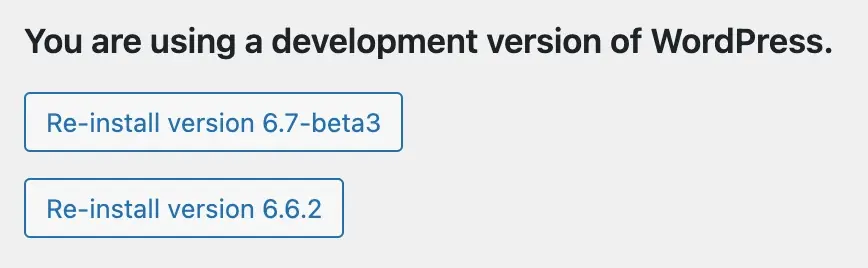
One thing you may want to do is you may want to go back to the previous version of WordPress, and most of the time, that works automatically. Occasionally, there might be some database upgrade that maybe there’s some reason you can’t go back, so that’s why you want to take a backup of your database, but a lot of times, you can just do the reinstall here.