Table of Contents
WordPress websites today have a lot of functionality and sending emails is an important step in many of the processes, such as sending a contact form submission, the completion of an automation, or WooCommerce transactions. You will often see new, and even not so new, website owners have issues with emails not being sent or emails that are sent being marked as spam. By default WordPress sends email using PHP mail, which is unreliable. If your server is busy your email might not be sent. Even if it is sent, the default PHP mail does not take advantage of anti-spam mechanisms like SPF (Standard Email Authentication Method) or DKIM (DomainKeys Identified Mail) which help to keep your emails from being marked as spam. The solution is simple, connect your website to an email sending service, because email sending services are designed to ensure email deliverability.
Video Version
FluentSMTP In The WordPress Directory
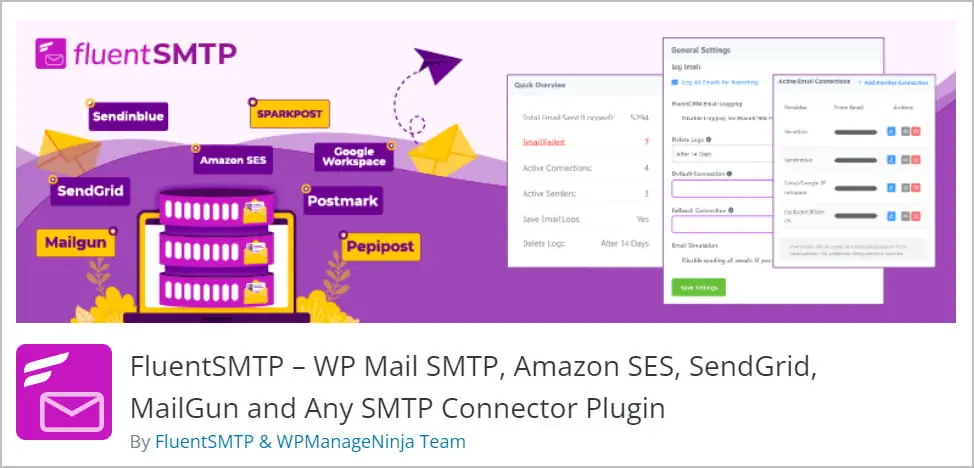
FluentSMTP is a WordPress plugin that allows you to connect your site to an email sending service. The plugin is from the highly respected WPManageNinja team. WPManageNinja creates Fluent Forms and as you know we often want to send an email when the contact form or other forms are submitted. They also are the creators of FluentCRM, an email marketing and automation solution. Unlike Fluent Forms and FluentCRM, the FluentSMTP plugin has no upsell to a paid version. It is completely free. FluentSMTP has over 100,000 active installs, a 123 five star reviews, and 18 of 22 support issues have been resolved in the last two months.
FluentSMTP Setup and Features
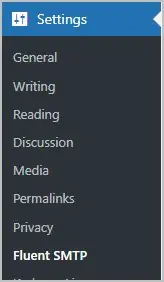
When you install and activate FluentSMTP you get a new area off of the main Settings menu.
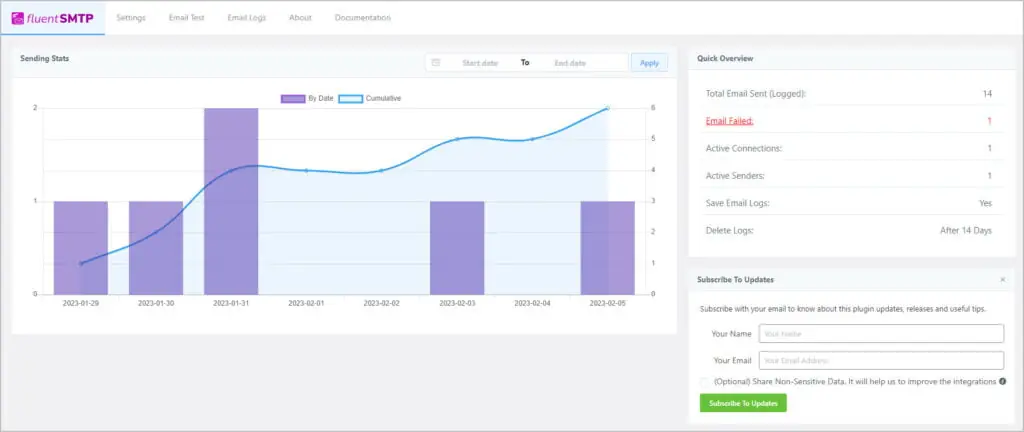
On the main screen we see a graph showing email activity. There is also an important overview which shows you the total emails sent and if there were any failures. Below that is an option to signup to their newsletter.
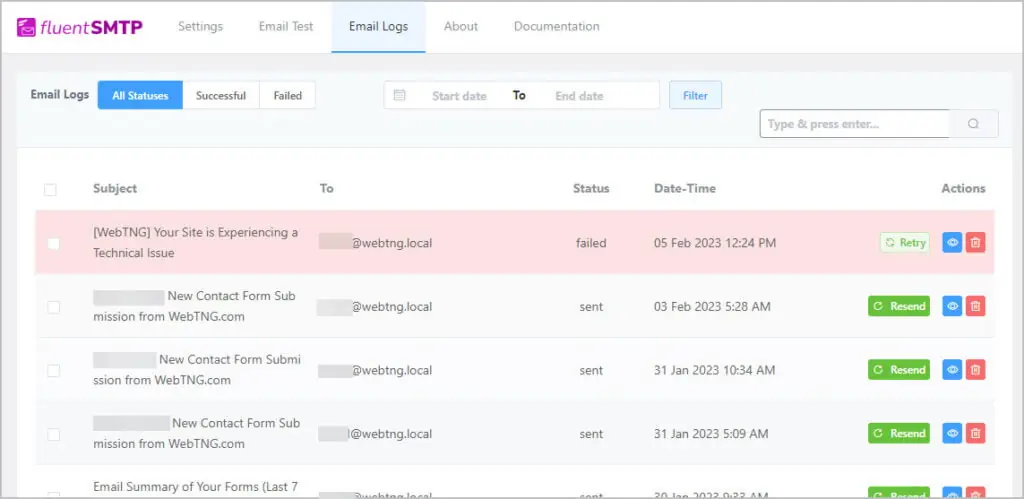
If we click on the failure item we are taken to the email logs where we view an email by clicking on the “eye” icon on the right, or we can retry sending the email.
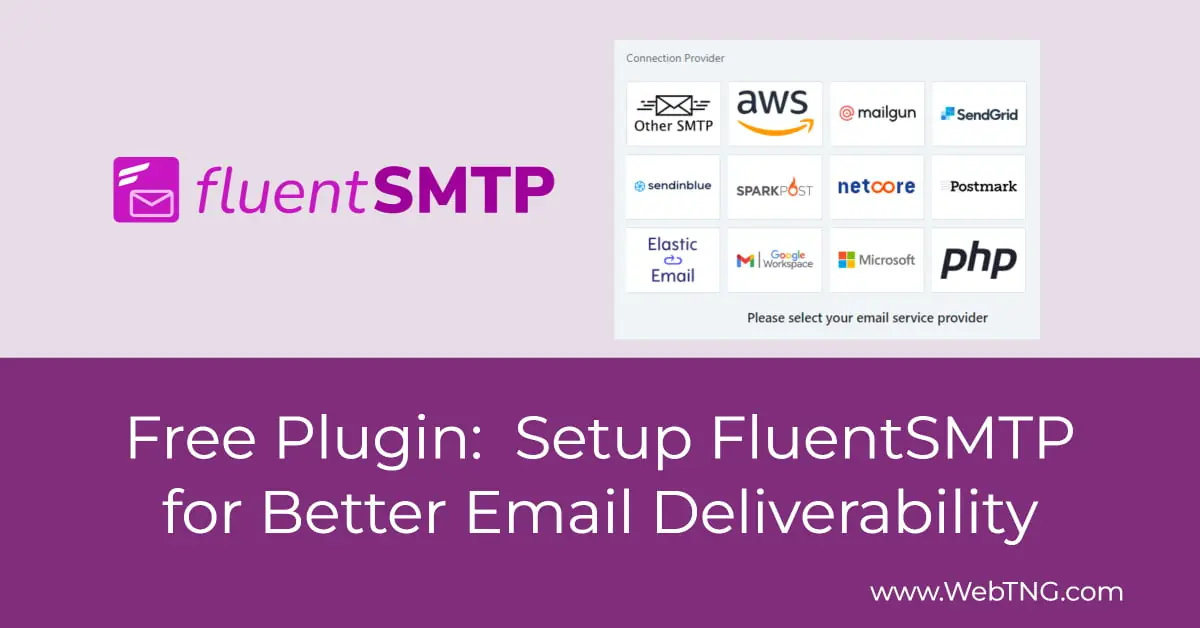
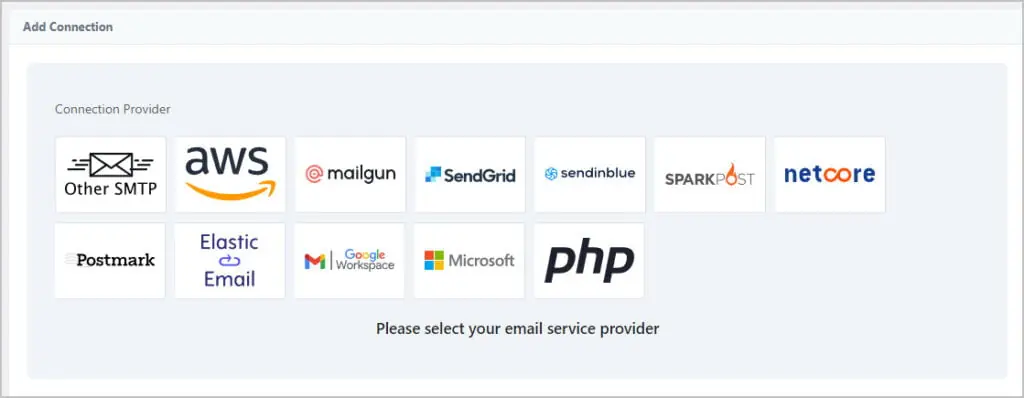
The Settings page is where we setup the connection to our email sending service. You can see that there are a number of options. Note that many of the professional services, such as Mailgun, have a free tier. Note that you can setup a second provider also, which will be used as a fallback if the first one isn’t available.
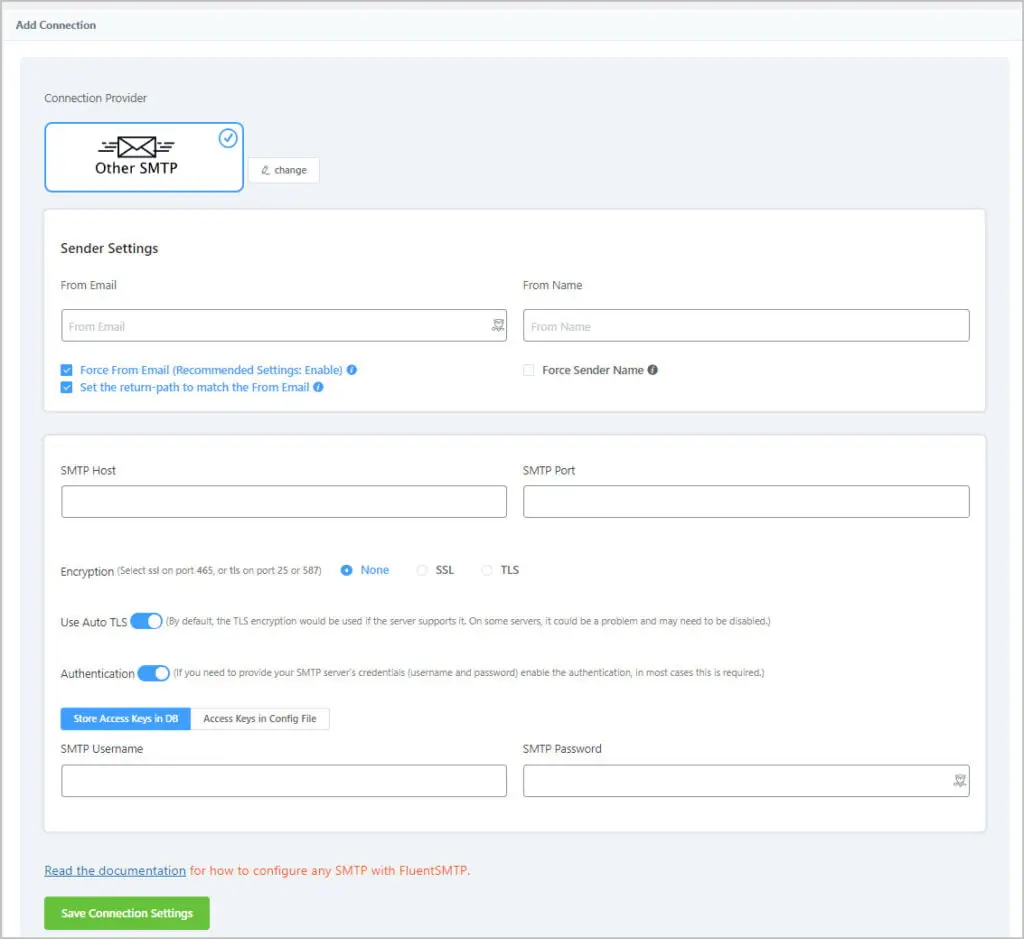
Many email services provide access to an SMTP server for sending emails from your mail client. You get the settings, such as SMTP Host and Port, from the setup pages on those services. You supply your email address and password just like when setting up your email client.
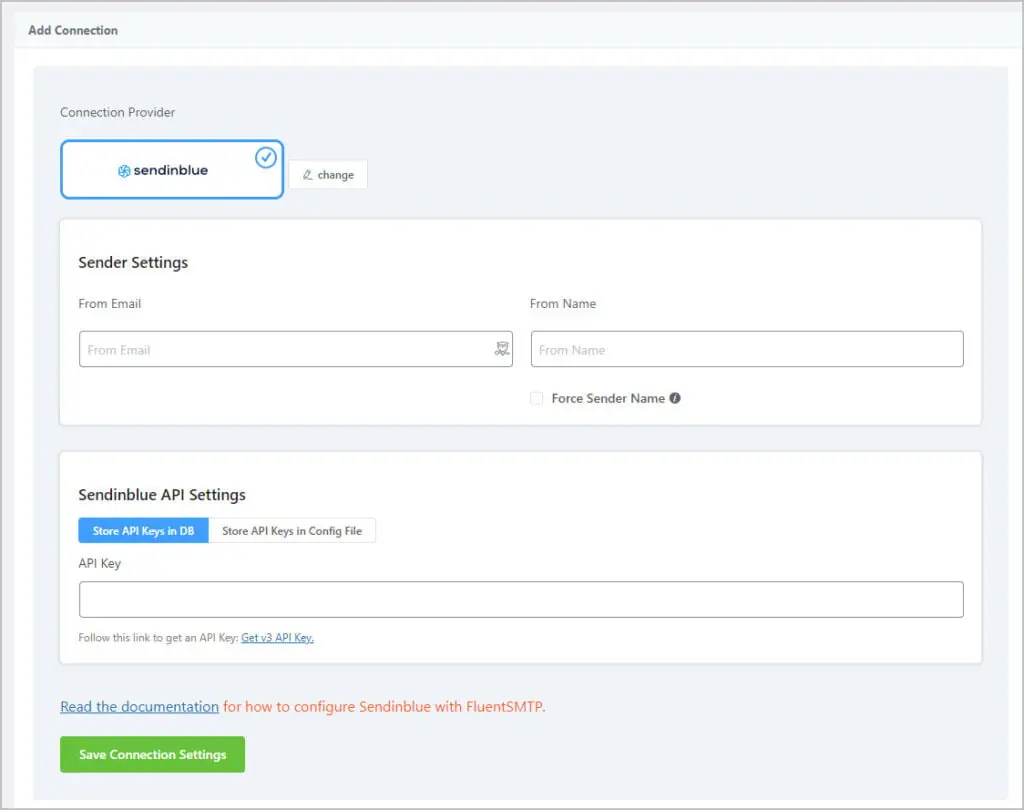
This is the SendInBlue setup screen. Note that many of the services, like this one, provide you with an API key that you enter to authorize use instead of using an email address and password.
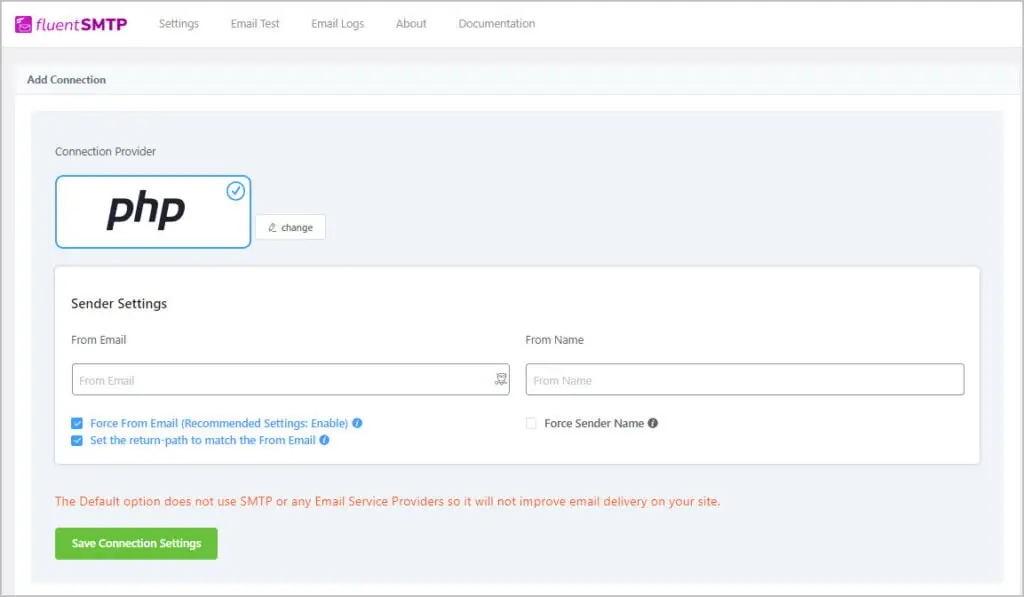
You might be surprised to note that there is also a PHP option. Yes, this is the default PHP mail option, which is not recommended. However, if you don’t have any other choice, at least you can get the benefit of the FluentSMTP email logs and the option to try to resend emails that didn’t go out.
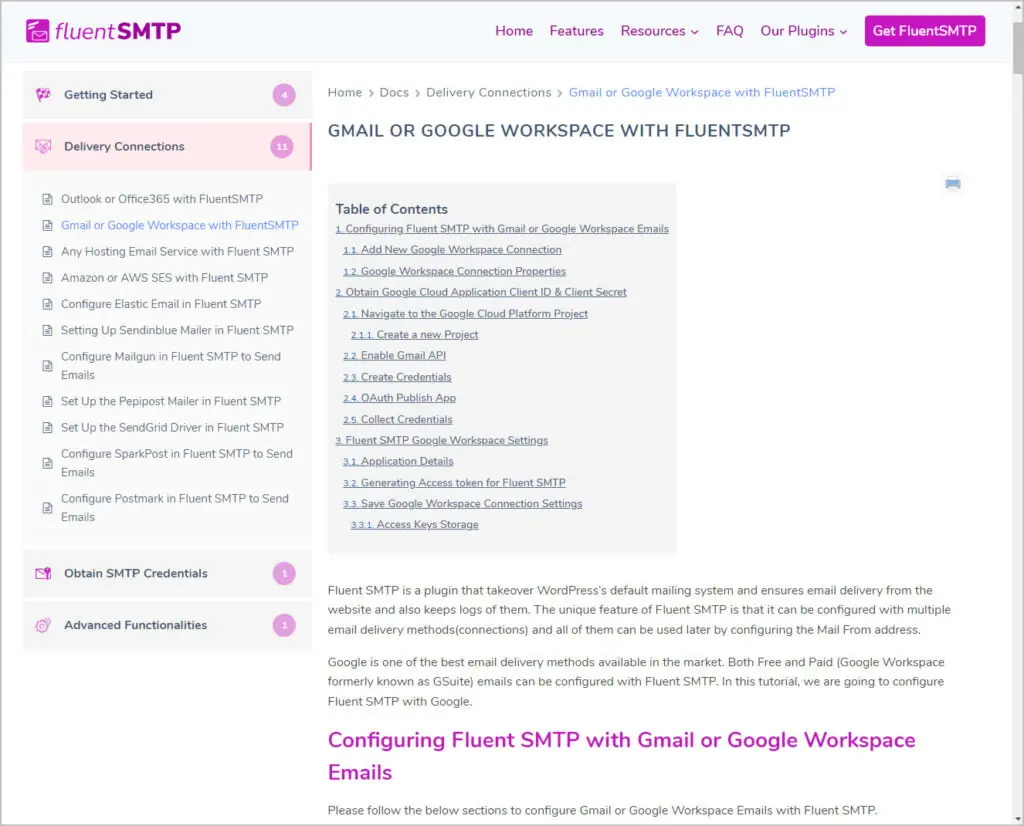
Every one of the providers has a link on the settings page to go to the FluentSMTP document library. This documentation is extensive and provides step-by-step instructions and in many cases there is also a video setup guide.
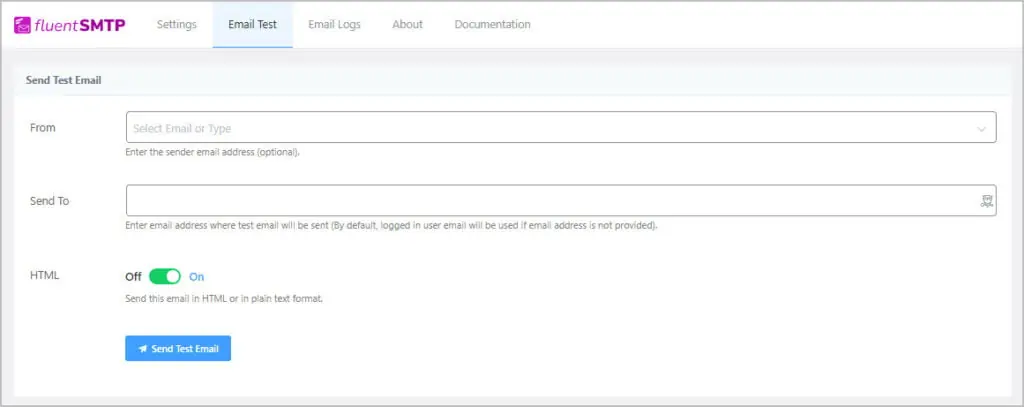
Once you setup your provider you can test sending an email to make sure it works.
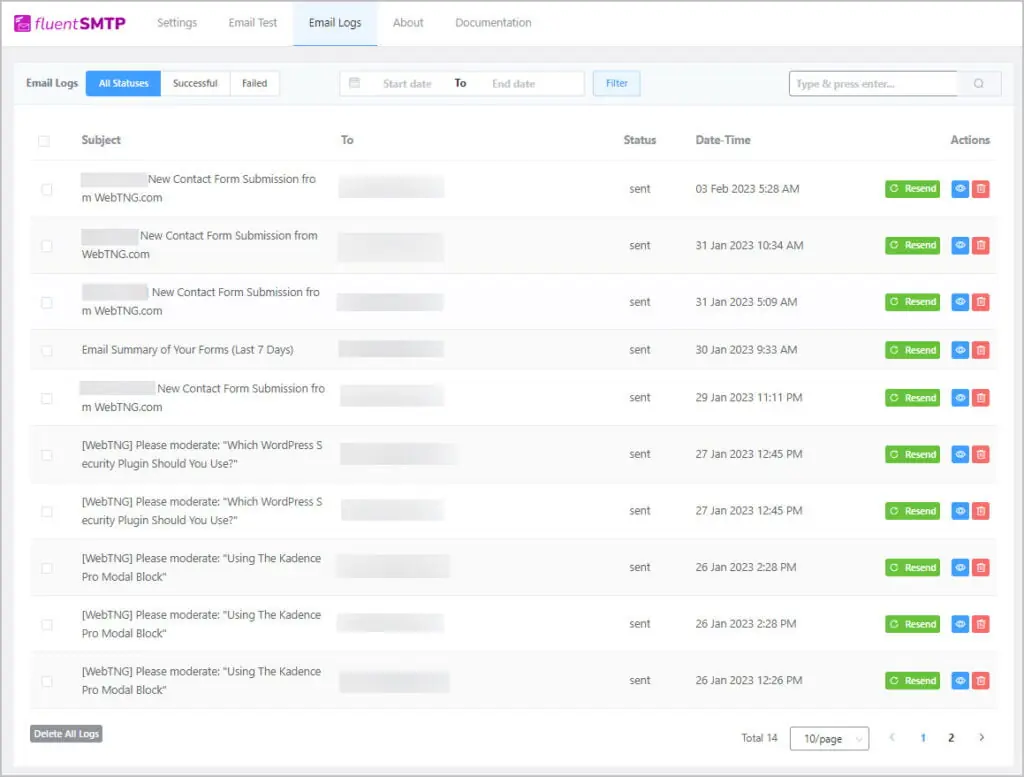
There is also a full log area. Here you not only see the emails and if they were sent or not, but you can also resend an email and view the body of an email.
Conclusions
I’ve been using FluentSMTP from the day it was first released. I’ve never had any issues. It is rock solid. It is a totally free plugin from a trusted team. It has all of the features you need, which some other SMTP plugin charge money for. There is no bloat. I use FluentSMTP on all of my sites and highly recommend it.