Table of Contents
In this walk-through I’m taking a look at Fluent Booking. This is a brand new plugin. I had a chance to try out the beta and the version 1.0 was recently released. Fluent Booking is from the WP Managed Ninja team, the same group that makes Fluent Forms, Fluent CRM, and other well respected plugins. In the video walkthrough you can see what kind of features are available, where they’re located, and get an idea how the plugin works.
Video Version
FluentBooking Website
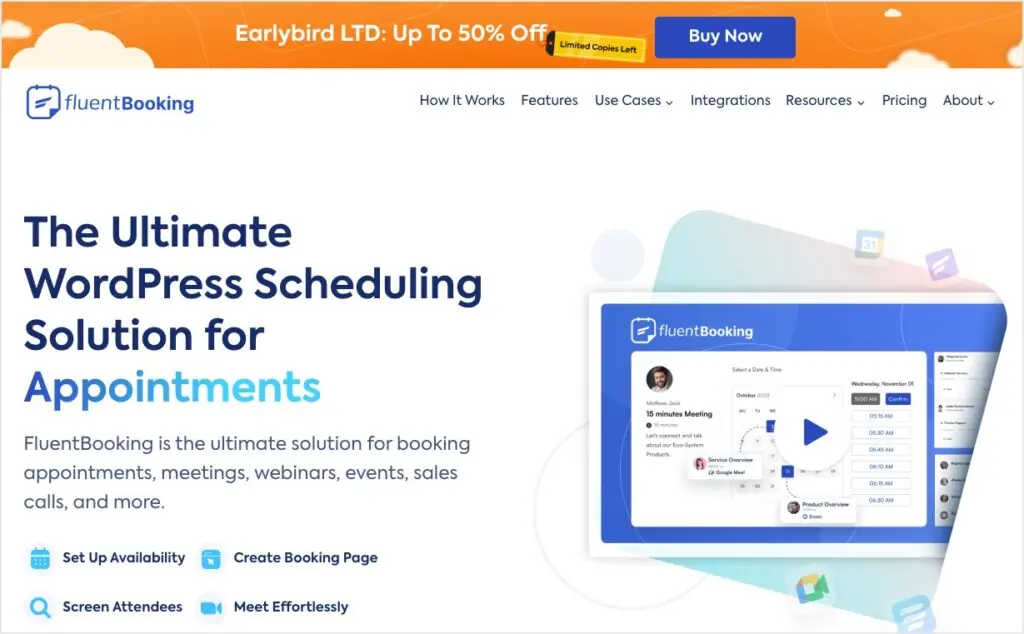
FluentBooking is a premium only plugin. It does not have a free version. At launch the are offering a lifetime launch deal. Packages are available for 1, 5, or 50 websites.
Summary of Plugin Features
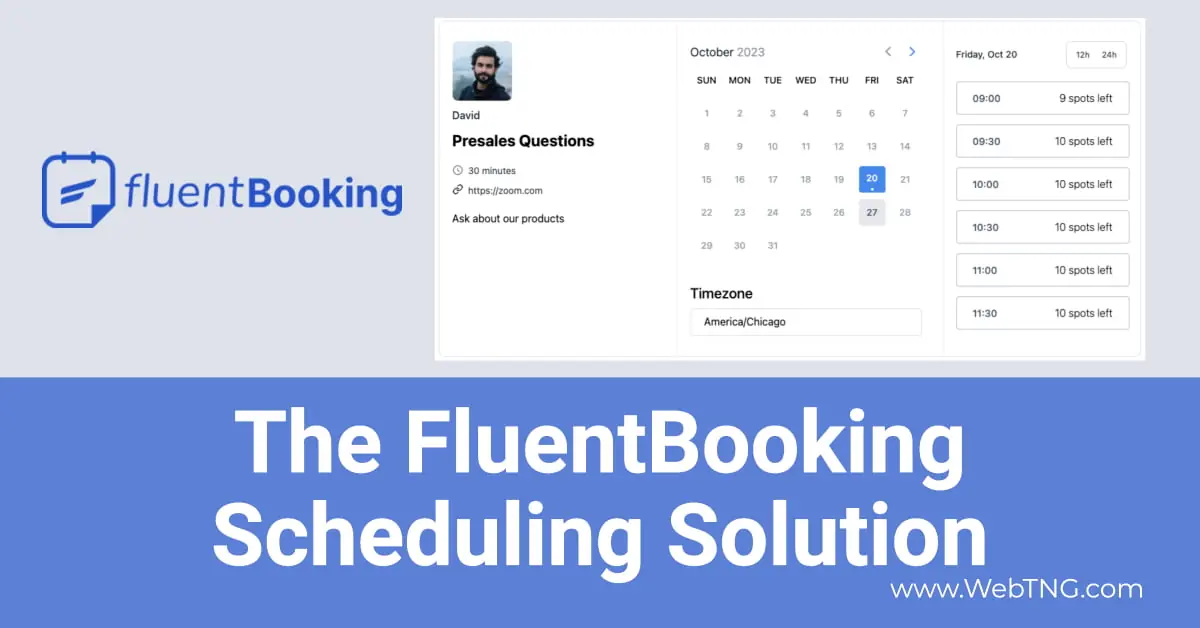
The plugin allows you t schedule time slots for one to one meetings and one to many meetings. Each “presenter” or person being scheduled creates an availability calendar and then you create events and designate what time slots are available for it. When you create the event you can pick if it will be online or in person. You can make the events free or charge for a booking.
You get a shortcode which you can embed in a landing page and/or you can create a link to a sort of virtual page that. you can share in an email or on social media. Both show the event information and a calendar. The difference is that with a landing page you can add more information. When you click on one of the indicated dates then you can book an open slow, including making a payment if that has been setup for the event. There is the option to add it to the Google Calendar and there are email sequences that you can setup with confirmation and reminders. FluentBooking handles cancellations and date changes.
Conclusions
First thing while using FluentBooking it seemed to me that this would be a great solution for solopreneurs and small teams. It’s an easy way to offer and manage self-service appointment bookings and it seems like it would be a good fit for teachers or coaches trainers consultants and other people offering free or paid sessions.
Of course this is version one and the list of features and integrations is limited. You can certainly use it now but I know they plan more integrations and plan to expand the plug-in to accommodate more use cases like in-person services and all-day events. Also I think the WPManageNinja team is looking for feedback from early adopters and they’ll use that to help guide future development.
So that’s my first look and walk through of FluentBooking. I wanted to give you an idea of how it works and how you can use it.