Table of Contents
Admin and Site Enhancements, or ASE for short, has a pro feature of the plugin called Custom Content Types. This feature allows you to create Custom Post Types, custom taxonomies, custom fields, and option pages, very similar to the features that come with Advanced Custom Fields and Meta Box.
There are two parts, or two phases, to working with this kind of dynamic data. First, in the backend, in the WordPress Admin is the creation of the Custom Post Types and custom fields. And then second, on the front end is the matter of displaying them. We’re use ASE on the Admin side, and for displaying on the front end, we’re going to use Breakdance. Breakdance is a modern site builder that has good support for dynamic data, and ASE works well with it. The author of ASE has done an integration with Breakdance. So, that’s what we’re going to be doing in this video.
Video Version
This article is a summary of the video version. Please see the video for the full walk-through.
Helpful Information
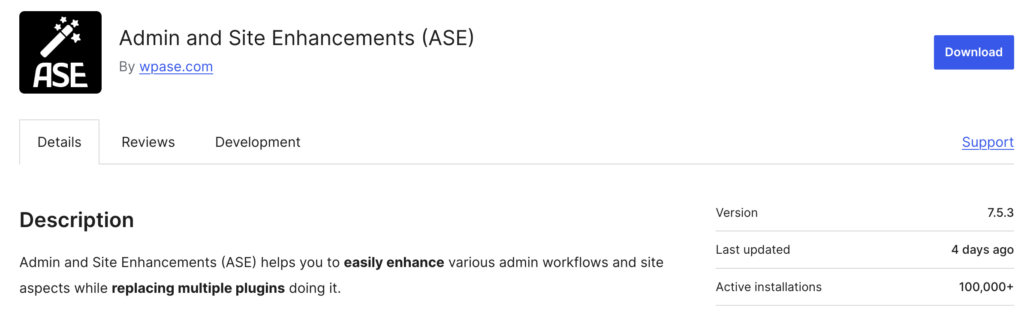
This is the free version of ASE in the WordPress plugin directory. I’ve done an overview video of ASE, so you can check that video out if you’re not already familiar with ASE. Okay, but I wanted to show you the free version for a couple of reasons. One is when I did my last video on ASE, there were only 20,000 plus active installs, and now there are over 100,000. And this number is actually even larger because it does not include the Pro version. Some plugins require you to also have the free version installed when you use the Pro version, but ASE doesn’t, so there are many more users than that. Another reason I wanted to show you this is just it’s got very good reviews, a lot of five-star reviews, and the developer is active in helping users with support questions. And these are all signs of a high-quality, good plugin.
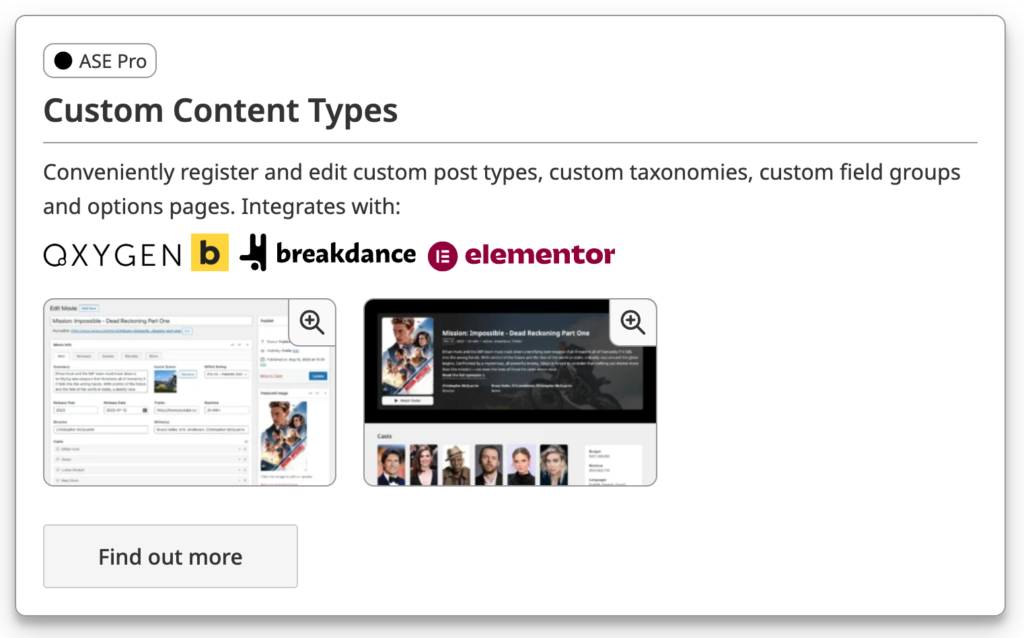
What I wanted to show you here is if we go to Features, and we go down, Custom Content Types, it’s the first item in the list. It’s a Pro feature. There are integrations for Oxygen, Bricks, Breakdance, and Elementor. Plus, you can use it also with Gutenberg.
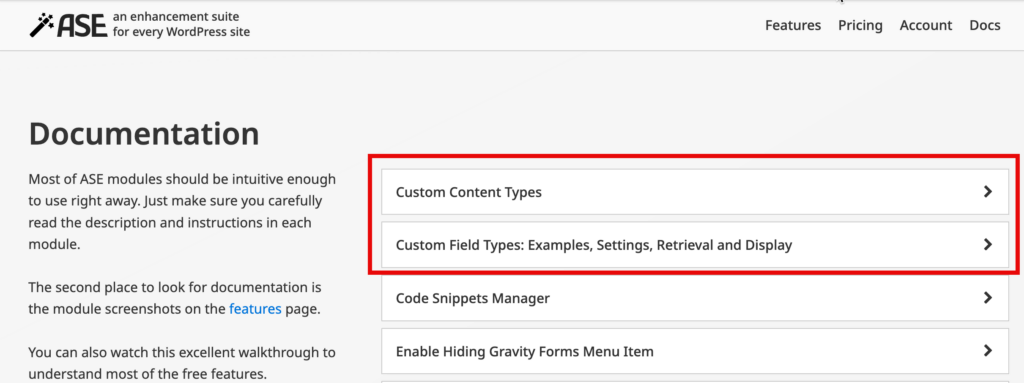
And on the site here, there are some docs. This provides information about the custom content types, custom post types, custom taxonomies, custom field groups, and option pages. You know, if you’ve used ACF or Meta Box or Pods or one of the others, there are not really any surprises here. You’ll find your way around pretty quickly. There’s a good number of fields, including relational fields and repeater fields, which are more advanced types of fields. And we’re going to be using a repeater field in our demo. Now, also here in the docs, there are docs about custom field types. And each of the custom fields has some examples and information about them. This is pretty decent documentation here.
There is a section on functions and shortcodes. So there are PHP functions and there are corresponding shortcodes to get the data out. So if you’re creating your own theme, PHP theme, classic theme, or you’re creating a plugin or you’re using snippets, you know, code snippets, this will be useful. And you can use the shortcodes in Gutenberg and, you know, in other builders. You know, here’s the Gutenberg section. As we’ll see though, you know, there is a pretty good integration with Breakdance already. So we’re not going to need to use the shortcodes in our demo.
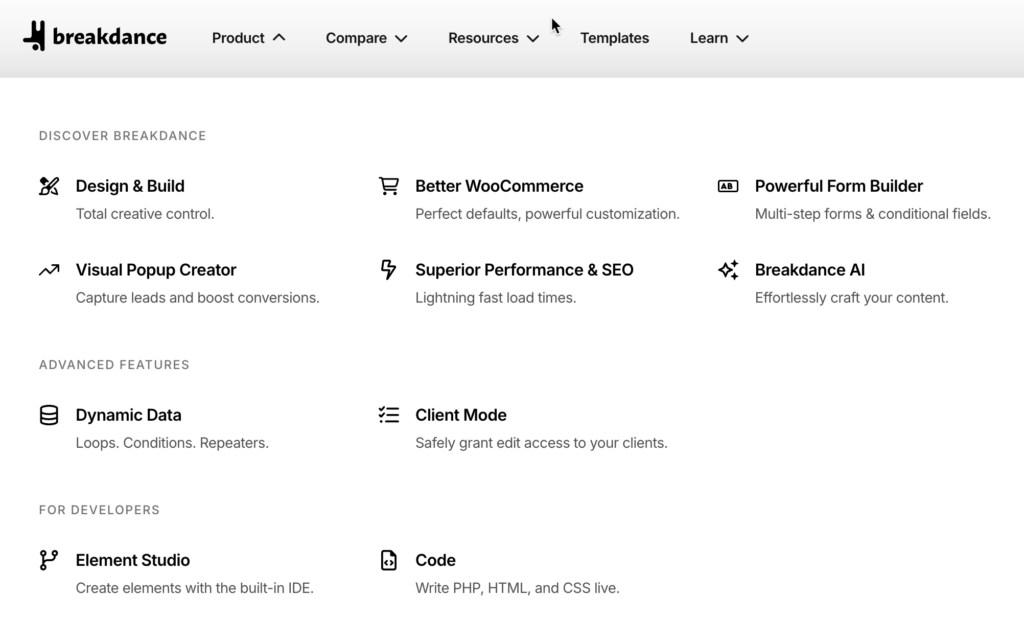
This is the Breakdance website. If we look at some of the features here, you know, it’s a full site builder, modern builder, good support for WooCommerce, form builder, pop-up builder. Here’s the dynamic data, loops, display conditions, and repeaters. Has a client mode for giving access to your clients. There’s an element studio, which is kind of a cool feature. If you’re a power user or developer, you can use this to create your own elements for use inside of the builder. So Breakdance is an advanced page builder solution.
What Is Covered in the Demo
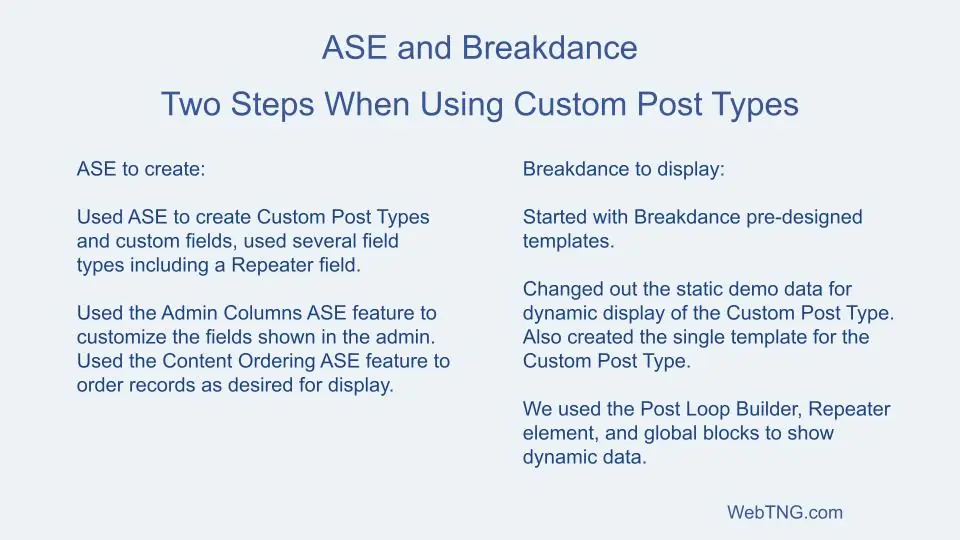
In the video walk-through I start with a site that has a Breakdance template kit imported for a digital agency. We see on the Team page that the list of team members is static. So in the video we:
- Create a Custom Post Type with custom fields of various types using ASE
- Enter some team member records
- Use the ASE Admin Columns feature to make the team member listing more useful
- Replace the static team output with a Breakdance Post Loop of the team members
- Create a team member single page to show how to output all of the field types used, including a repeater field
- Use the ASE feature to create a custom output of the order of the team member records
- Discuss the Custom Content Type feature of ASE
Discussion Summary
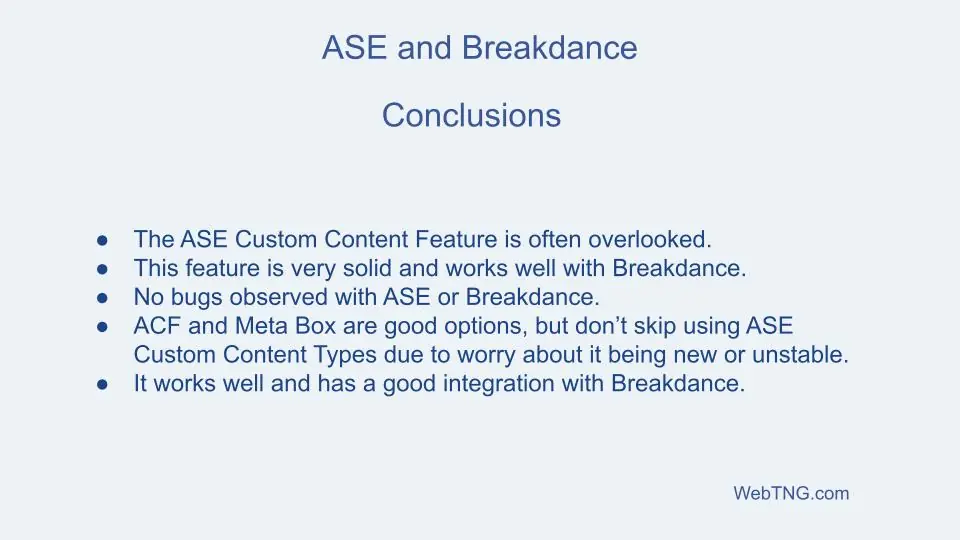
I think that the Custom Content Type feature of ASE is often overlooked. As we saw in the video the ASE implementation of Custom Post Types and custom fields is very solid and as we went along we saw that ASE works well with Breakdance, just like hand and glove at each step. I didn’t run into any bugs with either Breakdance or ASE. Now if you have ACF or Meta Box, those are good options, but I wouldn’t shy away from the ASE Custom Content Type feature because you’re worried about it being new or unstable. It’s a good Breakdance integration. ASE plus Breakdance is a strong combination.