Table of Contents
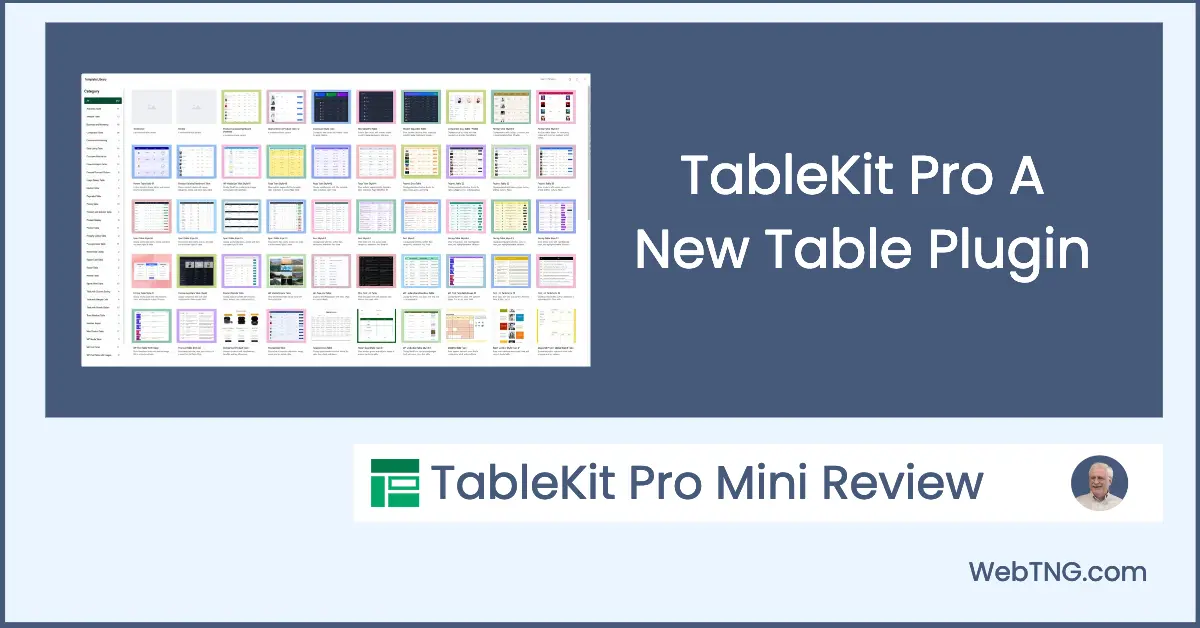
TableKit Pro is a Gutenberg based table plugin from WPMet. The pro version is new. They have several plugins such as ElementKit for Elementor, GutenKit which is a block collection for Gutenberg, and ShopEngine a WooCommerce plugin. I was given a copy of TableKit Pro to try it out.
In addition to the advanced table types discussed below, there are a number of general features. In terms of style options, you can adjust the row and column sizes, as well as set a color, background color, and border. You can add simple filters based on table contents, as well as a search option and sorting by column. Some other more advanced general features are the option to enable export to CSV or PDF and conditional formatting based on cell values.
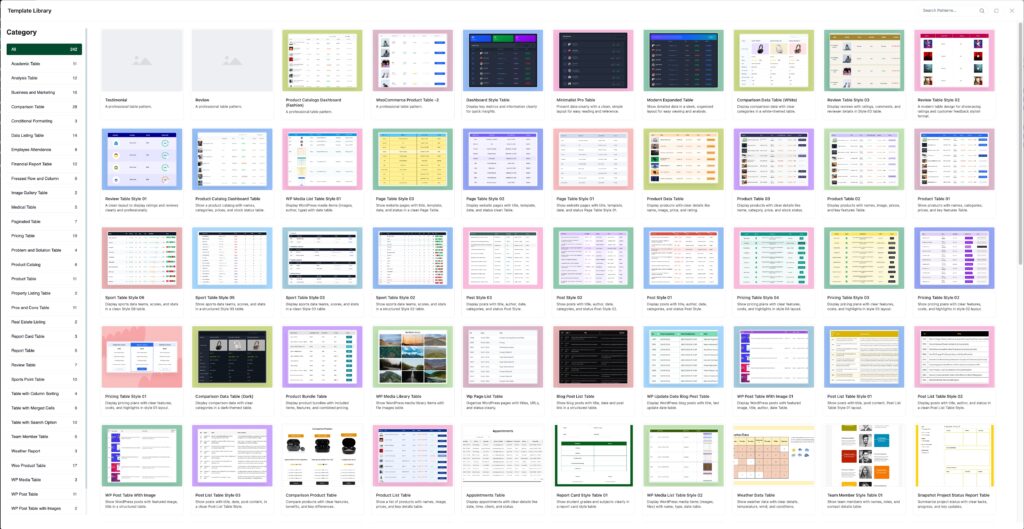
I installed the pro plugin on a local testing site and authorized it. It automatically installed the free version, so both are needed. Once you have it installed you have a large collection of predesigned tables to get you started. There are also blocks for different table types.
Template Library
You access the template library by adding a table block. When you do, you have the choice to create a table manually or choose a predesigned one. There are 212 templates in 32 categories, which is a lot for a new plugin. The templates demo the features. The table block added to the page depends on the template you pick. The templates are starting points. You can customize the tables within the features and limits of the various TableKit blocks.
TableKit Blocks
TableKit comes with four blocks. There is one for WooCommerce products, but I didn’t have WooCommerce installed, so I only saw these three.
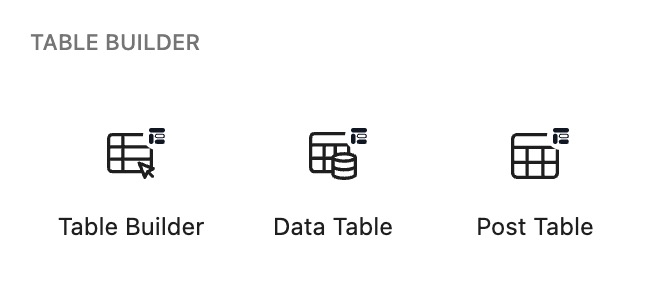
Table Builder
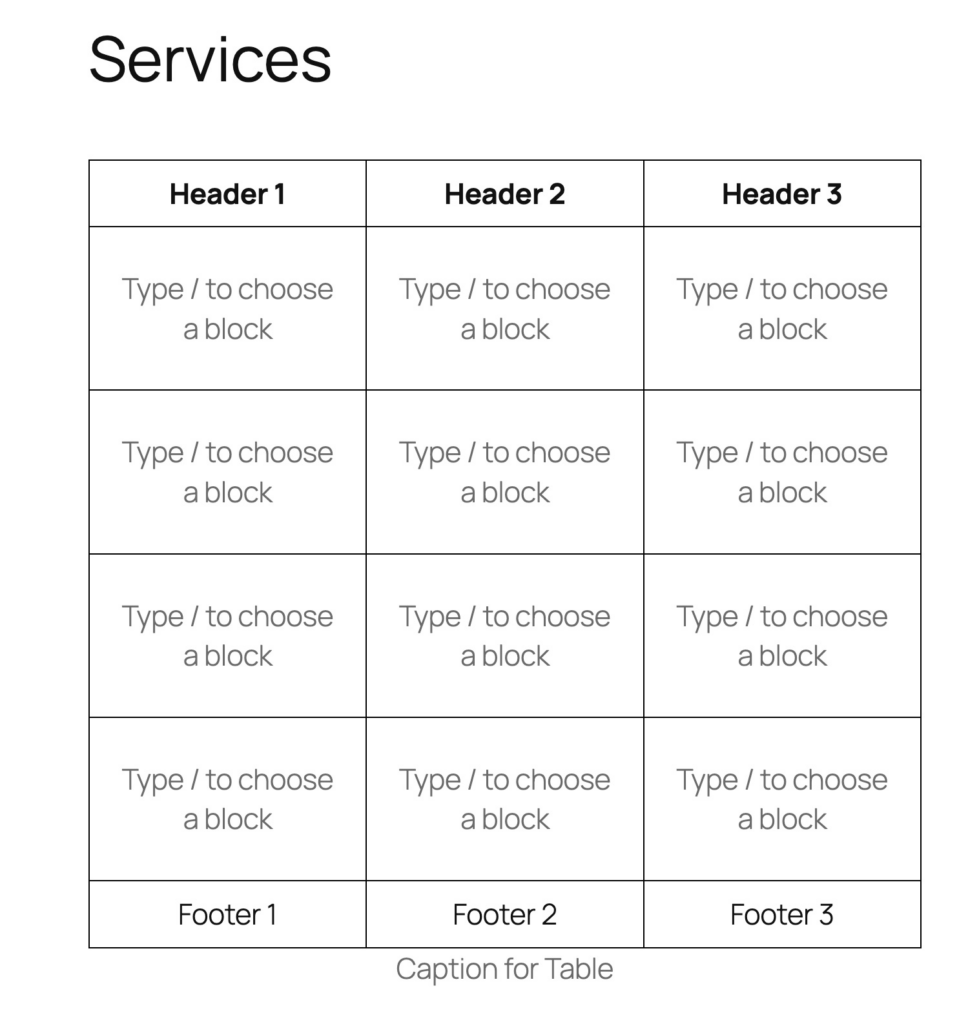
The Table Builder block lets you manually create a table. You can add whatever Gutenberg blocks you want and have access to their content and style options. This works well for basic table content, comparison tables, and adding multimedia content. Here is a screenshot of a blank Table Builder block, where you start customizing by adding blocks to cells and typing in header and footer information.
Data Table
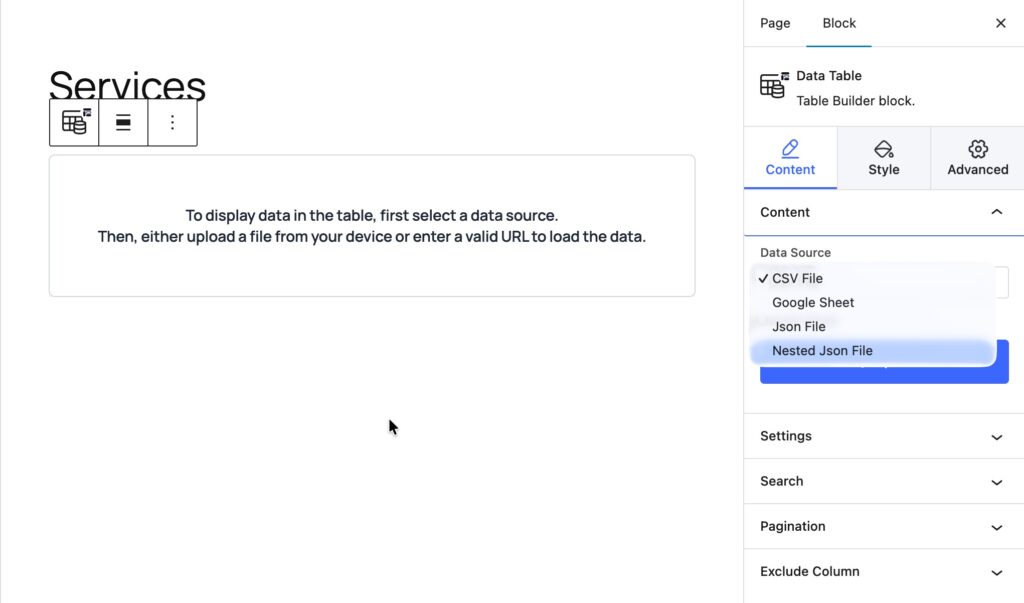
The Data Table block lets you pick a CSV, JSON, or Google Sheet as the data source. It caches the data and keeps it synced. This is useful for displaying data from other sources, such as questionnaires and surveys.
Post Table
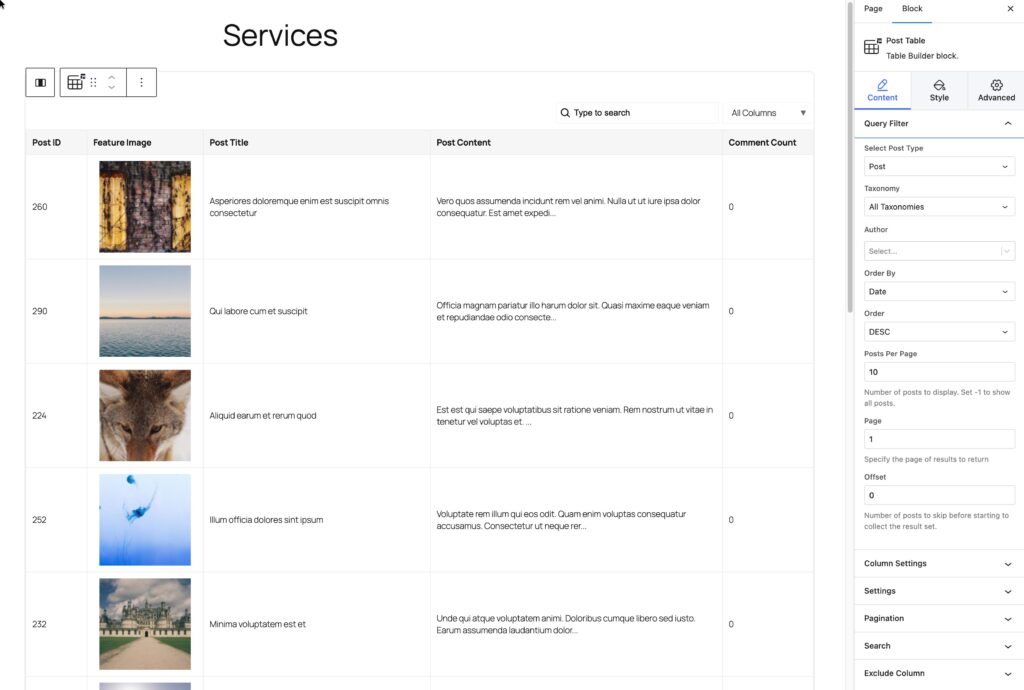
The Post Table displays content from posts or Custom Post Types. You can pick which values from the post type to display from a list of core fields. You can display or filter on taxonomies. There are sort options and pagination options.
Discussion and Conclusions
I mainly tested out the Post Table block. It has a fair number of features and allows you to use any of the core post fields, such as post title, featured image, post permalink, and so on. You can add or remove columns, enable or disable pagination, and toggle other features. However, the Post Table block has three limitations: you cannot change the aspect ratio of images, you cannot add custom fields, and the styling options are limited to color, background, and border.
TableKit has a very large number of predesigned tables, which is nice for getting started quickly. In my limited testing, the TableKit blocks worked without issue. “It was nice to have the blocks render in the Gutenberg editor so you can see what the table will look like, instead of just using a shortcode, as some table plugins do.
For a new plugin, TableKit Pro offers a solid set of features. Not surprisingly, it is not as full featured as more established options like Ninja Tables or WPDataTables. One would hope that over time more features will be added to TableKit. At the time of writing this mini-review, however, the roadmap section of the TableKit website is blank. The more established plugins have more options and cover more use cases. However, the introductory pricing of TableKit Pro is much lower than that of more established plugins. If the current features meet your needs, then this is an easy buy, but if you need more advanced features, it is a bit of a bet on whether the low cost now will pay off in the future. To offset that uncertainty, WPMet is an established company and their other plugins get regular updates and new features.