Table of Contents
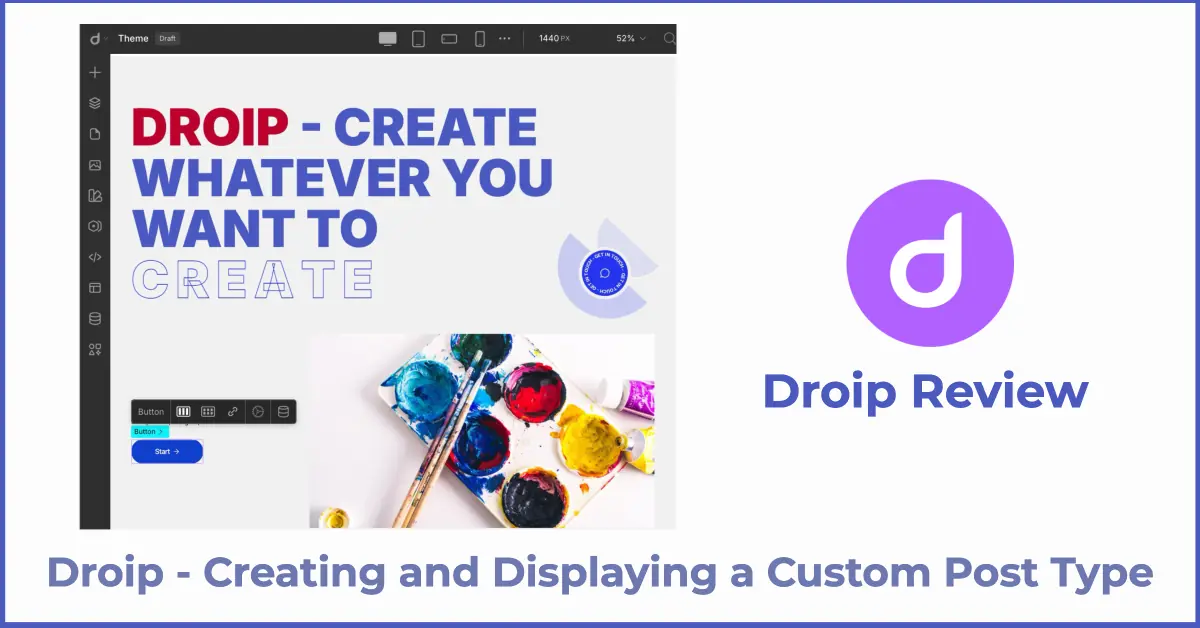
Droip is a relatively new page builder with a lot of included features. In this video I do a tour and then I test out the dynamic data features by creating and displaying a Custom Post Type using Droip. Many people have been curious about Droip so I decided to take a look.
Video Version
The video has the full walk-through and details.
Discussion
Droip is from the Themeium team who make the popular TutorLMS plugin. They also made the Quebly Gutenberg block collection, which, back when it was first released, it was one of the better options. Unfortunately around the time of Covid the company felt they needed to cut back and new development on Quebly was stopped. That was kind of a bummer, but to their credit they game Quebly users a license for Droip. So cudos to them for taking care of their customers.
I’ve been meaning to take a look at Droip since version 2 came out. I like to follow what’s new and recognize creativity and innovation, and there are some things different with Droip. Lets talk about the pros and cons, starting with the cons.
Cons
It is cool that Droip has its own UI for creating Custom Post Types and custom fields, but the main question I was left with was their portability. The Custom Post Types don’t show, for instance, in the admin as a menu item as they do when you create them with ACF or Meta Box, for instance. WordPress is, after all, a content management system, so it feels odd that they have separated it. I guess, if your content type doesn’t have a ton of records, say a dozen of less, then this is not too big a deal as you can just copy the data over, but if you have lots of records then it seems like there could be some lock-in. In terms of dynamic data, I didn’t see an option for custom taxonomies, but maybe it was named something else?
On a more minor level, after entering a record for a “collection,” aka Custom Post Type, there wasn’t a button to add another record, you had to click on the collection again, leave the entry form, click to add a new item and enter the form again. Also, it seemed like you needed to dig a bit to get to the publish option for pages. And getting to the menu item to add a single Custom Post Type template was also buried. These aren’t big deals or show stoppers, but are refinements that I would have expected to see taken care of by now.
Pros
On the plus side, the UI was snappy and I didn’t feel any lag. There are a decent set of elements and for the most part the layout and styling settings made sense and worked fine.
I liked the way that Droip surfaced their classes, with a way where you could tweak them. That felt intuitive. I kind of expected to see some CSS variables being used there, but I didn’t out that feature. Also, the shapes library is a nice idea. There were a good number of shapes to use to add to the canvas or as a mask, which was nice.
Developer Goals
The developers of Droip seemed to have in mind to add some features which would take the place of some plugins. The image optimization / WebP conversion for instance as well as the included ability to create Custom Post Types and custom fields. I’m not sure if you noticed, but they also present a custom interface for the media library.
There were several big features of Droip that I didn’t explore. What they call “symbols,” but are apparently components. These might be interesting and could be very useful. There is also a popup builder and a form builder. These potentially provide the functionality of 2 additional plugins that might not been needed.
Conclusions
In a number of ways, Droip tries to be innovative. They did something new and didn’t just repeat the same UI. Being different has its pros and cons. You know, if developers never try anything new then we don’t get any progress, but on the other hand, doing it differently should have a good reason because otherwise it just introduces an extra learning curve.
Droip is a capable site builders and you can get the job done with it. It could use more refinement with attention to workflow. Some of the differences are just different, not better.