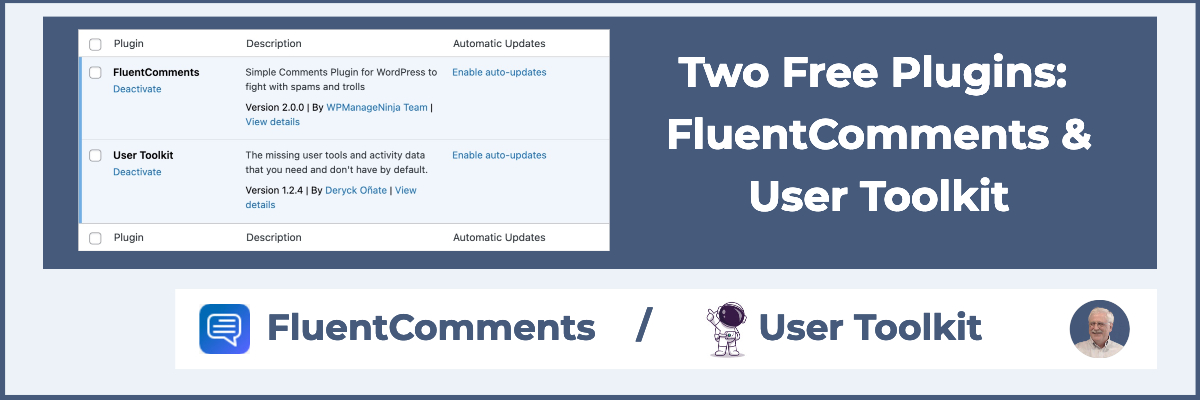
In this article I’m looking at two totally free plugins that you might find useful. The first one is called FluentComments and it just came out with a new version. It’s a plugin that helps you make the native WordPress, the core comment system, a little bit nicer. The second plugin is called User Toolkit. It’s useful for managing users if you have a membership site.
Video Version
The video has the full walk-through. The sections below here are summaries.
FluentComments
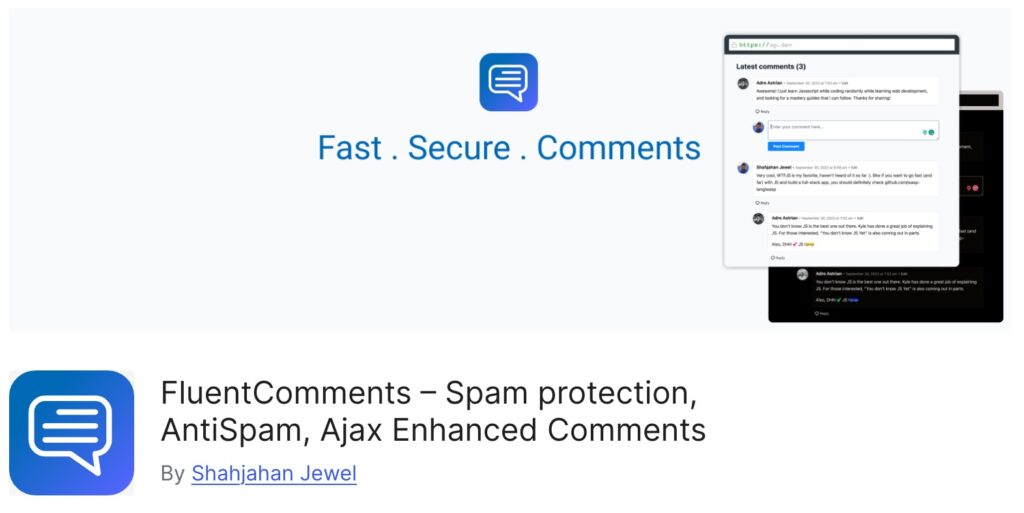
So here’s the page for Fluent Comments in the WordPress plugin directory. The plugin has several features:
- The plugin adds Ajax comments. I think a lot of themes might offer that now. Ajax comments means that the page doesn’t have to refresh when a visitor submits a comment, which is a nicer experience.
- FluentComments also adds advanced spam protection. It says it uses “advanced cryptographic mechanism.” Basically, the claim is that it’s almost impossible for a bot to leave a spam comment. If someone manually goes and comments, it will get through, but it’ll stop bot comments.
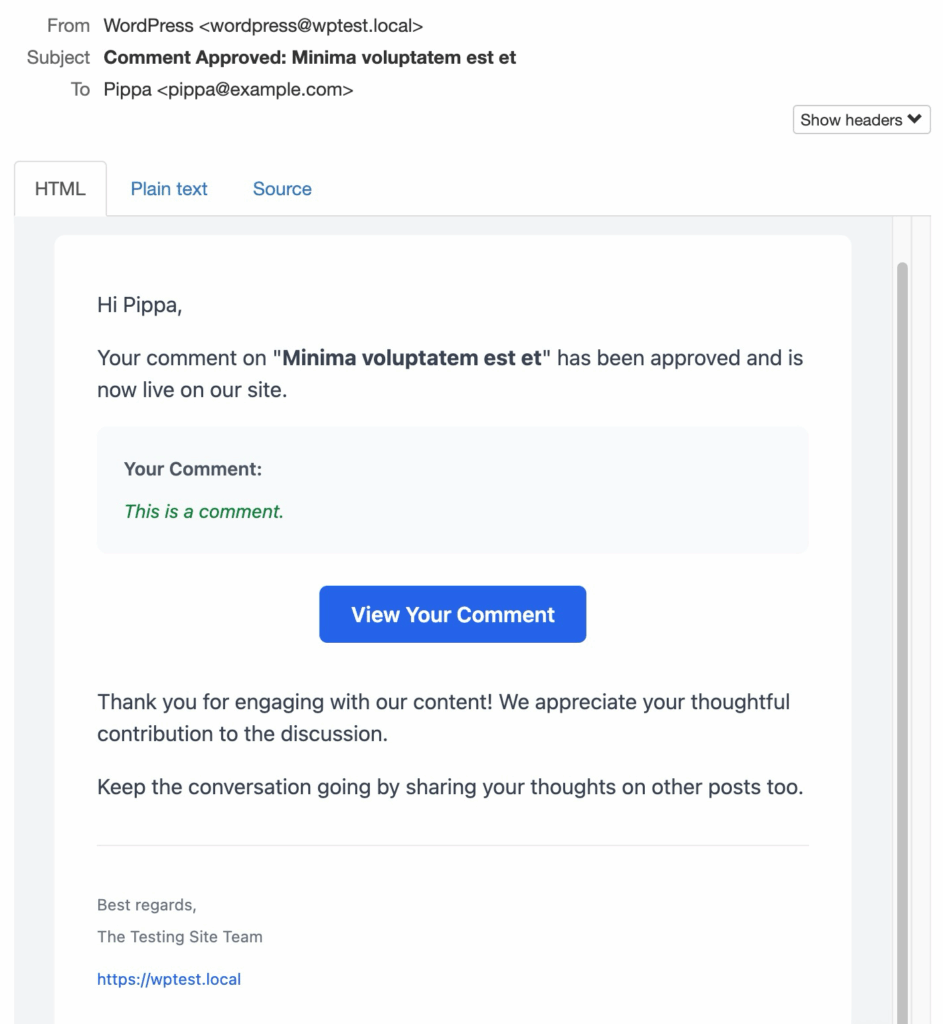
- Another feature is that FluentCommets allows you to send emails in addition to what WordPress sends by default. By default WordPress will send an email to the post author when someone leaves a comment. With FluentComments the post author receives an email when someone comments, but also the commenter receives and email when their comment been approved, and commenters on the thread also receive notification when a new comment or reply is added.
- Finally, the emails that are sent are more attractive than the default WordPress emails.
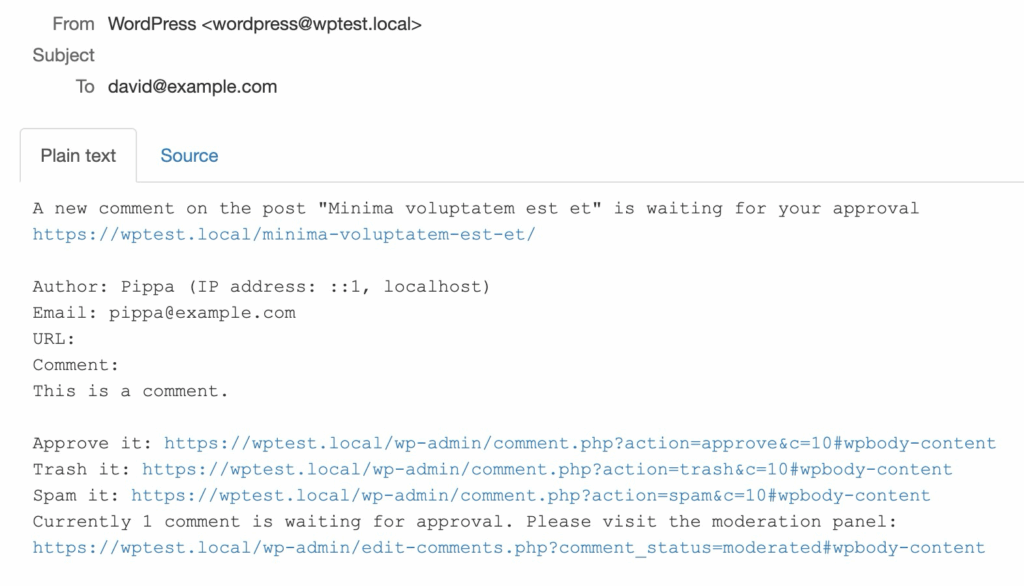
This is what the default core email looks like that is sent to the post author:
This is an email sent to the commenter with FluentComments enabled. You see it is much nicer.
FluentComments is one of those plugins that just focuses on doing one thing and doing it well.
User Toolkit
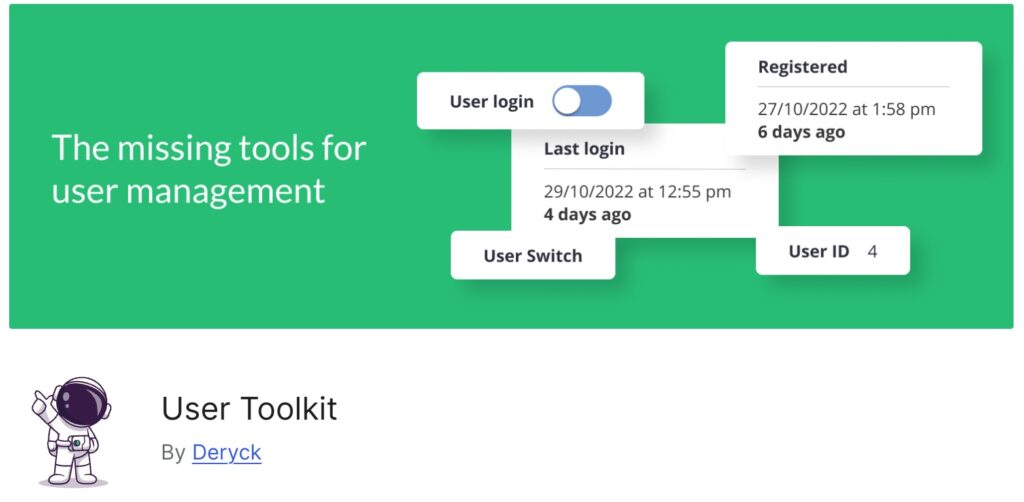
This one is called User Toolkit. You can see it’s got more than 100 active installs. This plugin is useful for managing users on a membership site. It has a few features here:
- From the user list in the admin you can disable a user. This is nice if you want to pause a user logging in, but don’t want to delete them or change the password.
- You can also see the date and time they registered.
- You can see their last login date and time.
- You can switch to view the site as a user. This lets the admin view a site as a user. It is useful for seeing what the admin looks like, or what your membership site looks like to a user. When you are done there is a link in the admin to switch back.
- It has REST API support if you want to create reports about the last login.
User Toolkit is a nice plugin to help you manage users on a membership site.